Шаблон Счетоводна кантора
Клиентите пращат фактурите и банковите си извлечения на своя страница, а вие виждате с един поглед чий месец е готов и от кого още чакате.
Вижте го в действие Бърз старт: около 15 минути
- Категория
- Финанси, Малък бизнес, Операции
- Таблици
- Месечно приключване, Документи, Клиенти, Контакти, Срокове
- Изгледи
- Таблица, Канбан, Календар, Клиентски портал

Вижте го в действие
Бърз старт
From the template to clients signing in to their own page in about fifteen minutes. Each step says exactly what to click.
-
Click Use template
It is at the top of this page. New to Artavolo? Sign up with Google or your e-mail: it is free and takes a minute. Your own copy opens right after.
Ползвайте шаблона
-
Look around for a minute
Your copy opens on Табло на месеца в Месечно приключване. The clients in it are made up: they show how it looks with work going on. Click Документи, Клиенти, Контакти и Крайни срокове at the top to see the other lists.

-
Изчисти примерите
When you have seen enough, click Изчисти примерите in the box at the bottom right, then Clear them. Do this before you type anything of your own, because it clears every example, even one you changed. They wait in the trash for 30 days.

-
Add your clients
Click Клиенти at the top. Click Add row at the bottom: one row for each client company.

-
Add the people who sign in
Click Контакти at the top. One row for each person: fill in Име и Имейл, pick their company in Клиент, and tick Достъп до портала. Only ticked people can sign in.

-
Link their work to them
В Месечно приключване, Документи и Крайни срокове, pick the client in each record's Клиент column. Each client sees only the records linked to their company, never anyone else's.

-
Open the portal
Click Интерфейси at the top, then Клиентски портал, then Клиентски портал at the top right. Type an Адрес (your company's name, say) and click Save address. Then switch on Open the portal to clients.

-
Send your clients the address
They type their e-mail, get a code, and they are in: no password and no account. Client users are free, however many you have.

-
Sign in once as a client
Add yourself in Контакти with your own e-mail and Достъп до портала ticked. Open the address in a private window and sign in: you see exactly what your clients see.

-
Invite the people you work with
Click Сподели at the top right, then Base / Group. Type their e-mail under Имейл адрес and click Send the invitation. They get an e-mail with a link, and see every change as it happens.

From now on your clients check their own work and send their requests themselves, and you answer them all in one place.
Ползвайте шаблонаЗа този шаблон
Stop chasing clients for documents at the end of every month. Each client signs in to their own page with a code sent to their e-mail, sees what you still need from them, sends invoices, bank statements and receipts with the file attached, and follows their tax deadlines and the VAT to pay. You see every client's month on one board, from waiting for documents to filed, and the board moves by itself when a document arrives. Inside: an accounting firm with eight clients, their people, this month's work, documents and deadlines. Tick Portal access on a person to let them in.
- Примерни записи, за да видите как работи; изтрийте ги, когато започнете
- Всяко поле, изглед и връзка могат да се променят
- Без ограничение на записите в платените планове

Въпроси за този шаблон
Безплатен ли е шаблонът Счетоводна кантора?
Да. Шаблонът е безплатен, както и безплатният план: без карта и до 10 000 записа в база. Standard и Pro нямат ограничение на записите.
Какво съдържа шаблонът Счетоводна кантора?
Таблици: Месечно приключване (полета: 11), Документи (полета: 8), Клиенти (полета: 10), Контакти (полета: 5) и Крайни срокове (полета: 5). Изгледи: таблица, канбан и календар. Примерните записи показват как работи; изтрийте ги, когато започнете.
Могат ли клиентите ми да влизат и да виждат своите записи?
Да. Идва с клиентски портал, в който всеки клиент влиза и вижда само своите записи. Клиентските потребители са безплатни. Порталът е изключен, докато не му дадете адрес и не го включите.
Мога ли да го променя според бизнеса си?
Да. Всяко поле, изглед, формуляр и връзка може да се промени, а можете да добавите и свои таблици. Копието е ваше; шаблонът остава какъвто е.
Мога ли да пренеса своите данни?
Да. Импортирайте CSV или Excel файл във всяка таблица или пренесете цяла база от Airtable с нейните записи, връзки и формули.
Още finance шаблони
Вижте всички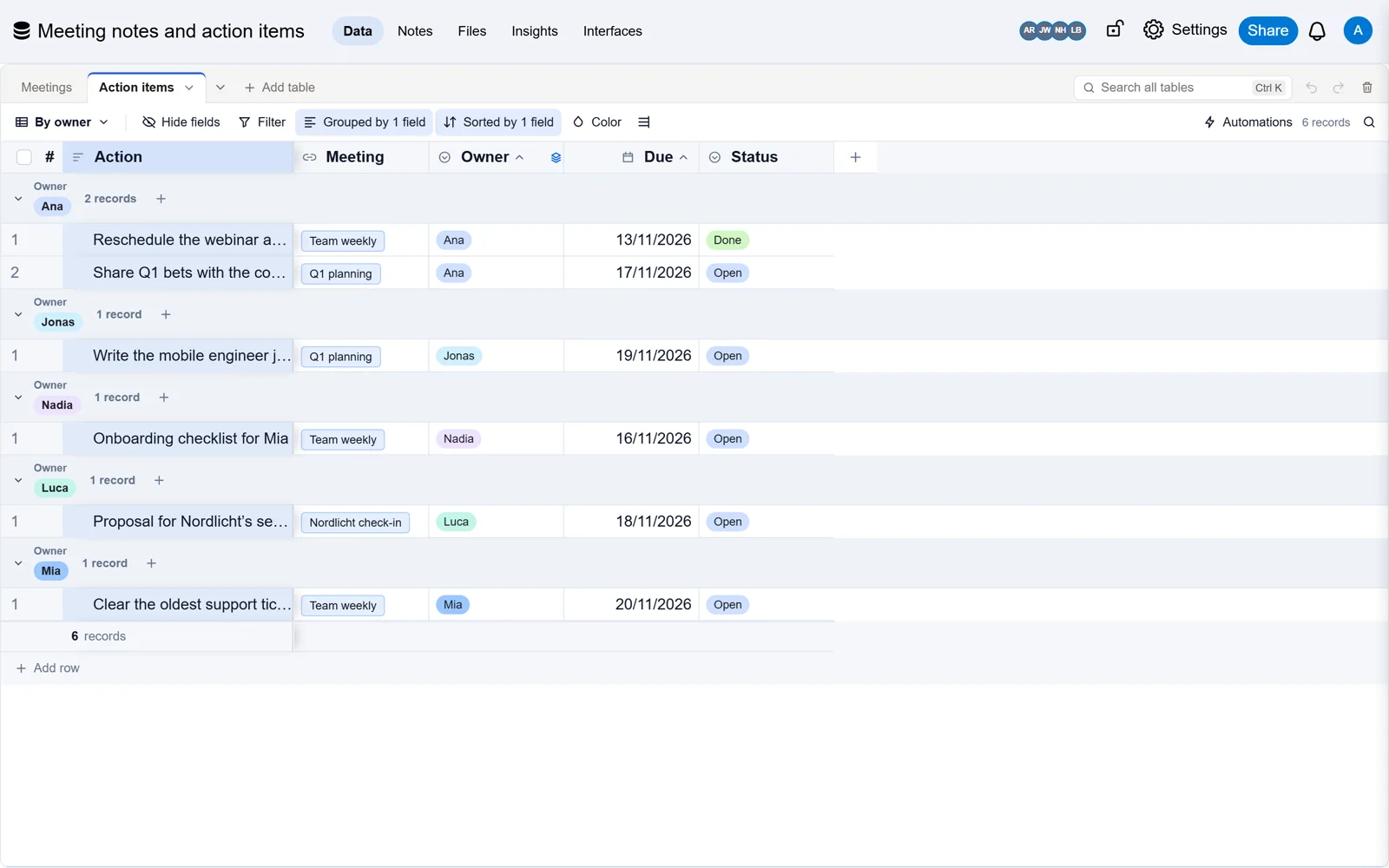
 Шаблон за бележки от срещи и задачи за изпълнениеСлед всяка среща всеки знае какво е обещал и до кога, и нищо от договореното не се губи.

 Шаблон за следене на инвентарЗнаете какво е налично и какво да поръчате, преди да свърши, за магазин, работилница или склад.
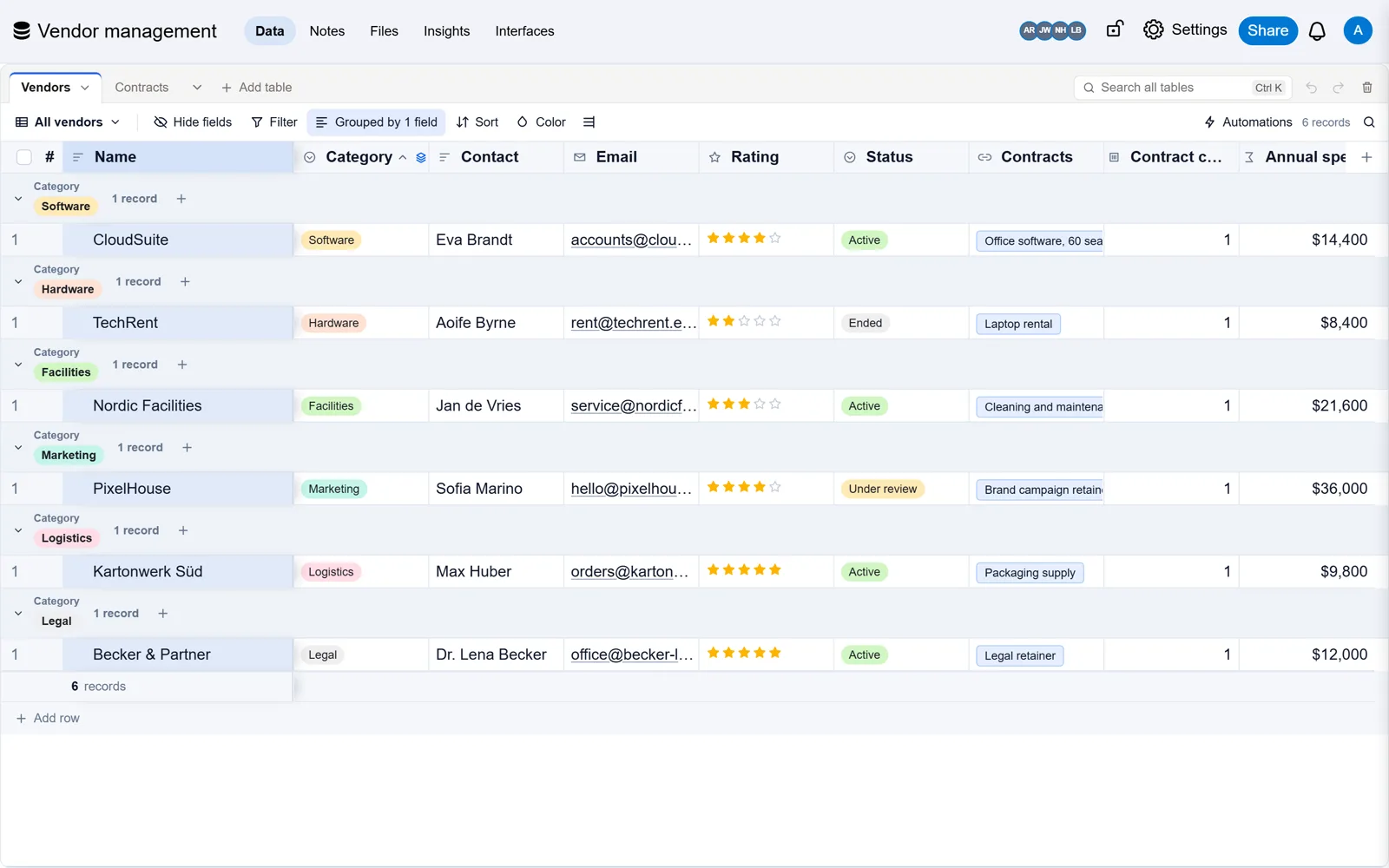
 Шаблон за управление на доставчициНито един договор с доставчик не се подновява изненадващо, и знаете колко ви струва всеки доставчик на година.
Вече сте го изградили в Airtable?
Пренесете вашата база с всеки запис, връзка и формула, проверени спрямо Airtable. Безплатно, а Airtable остава такъв, какъвто е.