Изтрийте акаунта си
Обновено
You can delete your Artavolo account yourself, in a minute. Your personal details are erased and workspaces only you use are deleted with everything in them. Workspaces you share with other people stay for them. This cannot be undone, so read the first part before you start.
Преди да изтриете
- Запазете това, от което се нуждаете. Експортирайте таблиците, които искате да запазите. Вижте Експортирайте данните си.
- Hand over shared workspaces. If you are the only owner of a workspace that other people use, make one of them an owner first. Until you do, your account cannot be deleted.
- Check paid plans. The paid plan of a workspace that is deleted with your account is cancelled at once, so nothing more is charged.
Изтрийте акаунта
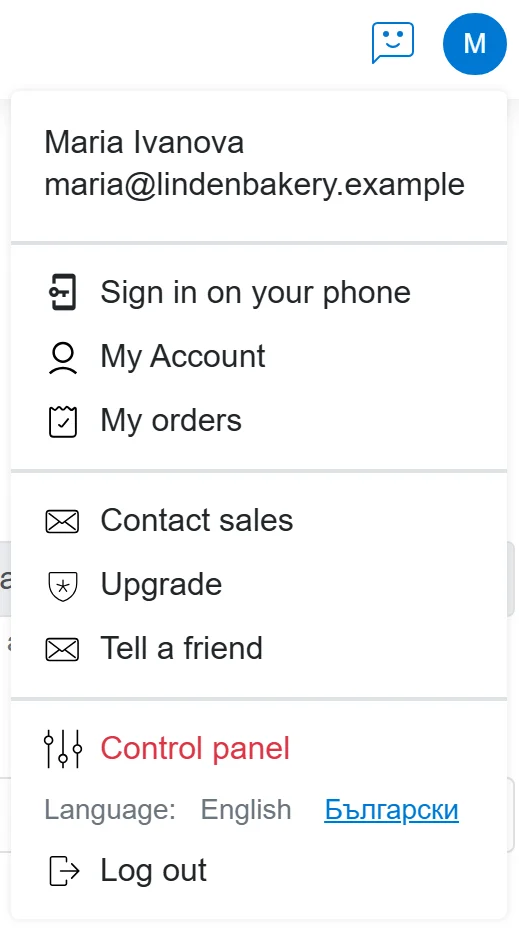
- Click the round button with your initial or photo at the top right and choose Моят профил.
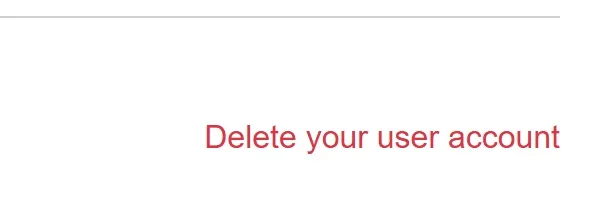
- Scroll to the very bottom of the page and click the red Изтрийте потребителския си профил on the right.
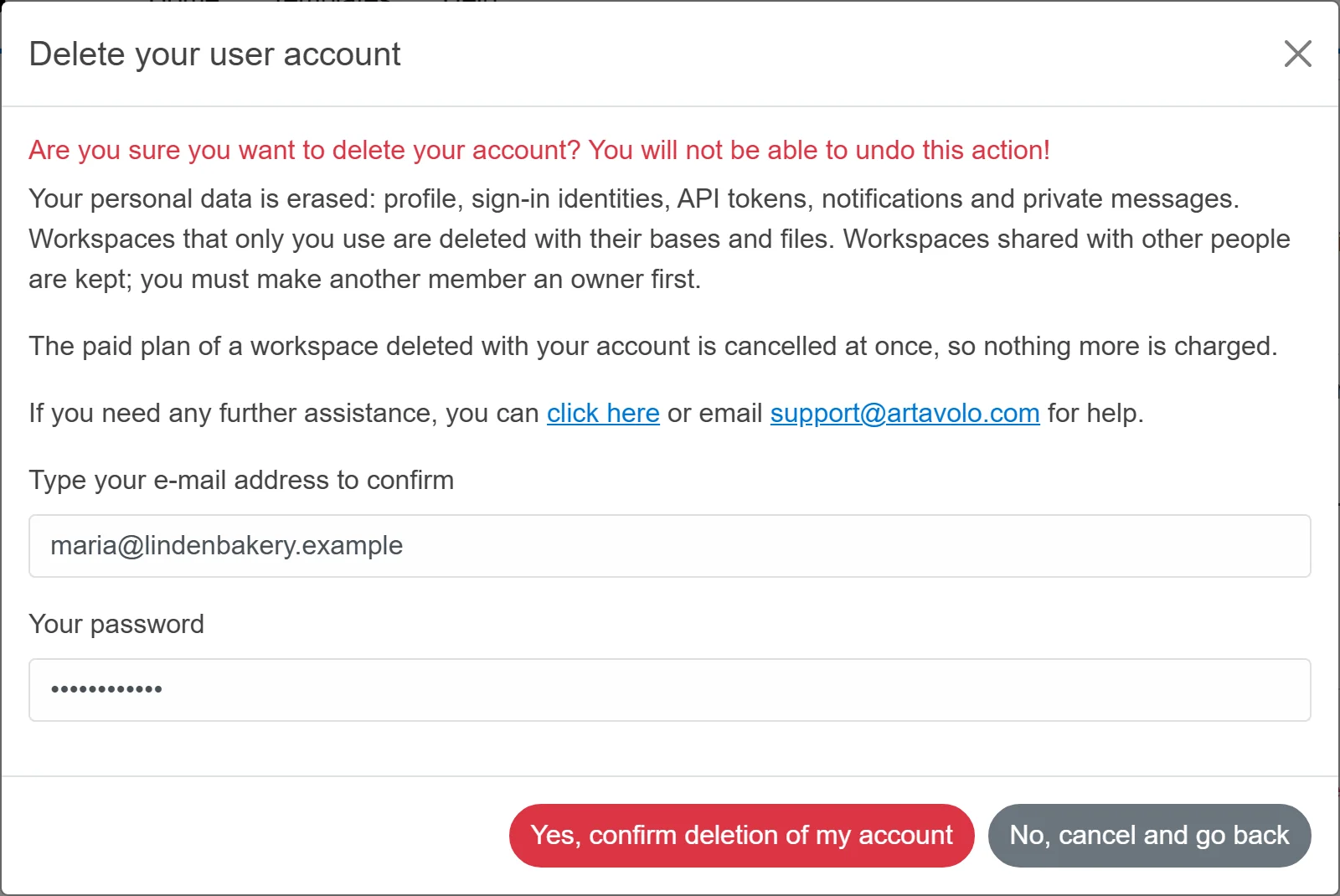
- Read what will be erased and what is kept.
- Type your e-mail address under Въведете своя e-mail адрес за потвърждение, and your password under Вашата парола.
- Click Да, потвърждавам изтриването на акаунта ми. Changed your mind? Не, отказ и назад leaves everything as it was.
Какво се случва
- Your profile, the accounts you signed in with (such as Google or Microsoft), your API tokens, notifications and private messages are erased.
- Работните пространства, които ползвате само вие, се изтриват заедно с базите и файловете им.
- Workspaces shared with other people are kept. Records you made in them stay, without your name on them.
- The deletion itself is noted in the audit log, the record of who did what.
Добре е да знаете
- If you sign in through your organisation's single sign-on, the window asks only for your e-mail address, not a password.
- Your organisation's sign-in may create a new account for you the next time you sign in through it.
- To leave one workspace but keep your account, ask an owner of that workspace to remove you.
- You can create a new account at any time, but nothing from the deleted one can be brought back.
- Need help? The window shows the support address.