Преглед и експортиране на дневника на промените
Обновено
The audit log is Artavolo's record of who did what. For every change it keeps who made it, when, how (on screen, through the API, by an AI agent), and what the value was before and after. Use it to answer "who changed this order?", or to show an auditor that your data is under control.
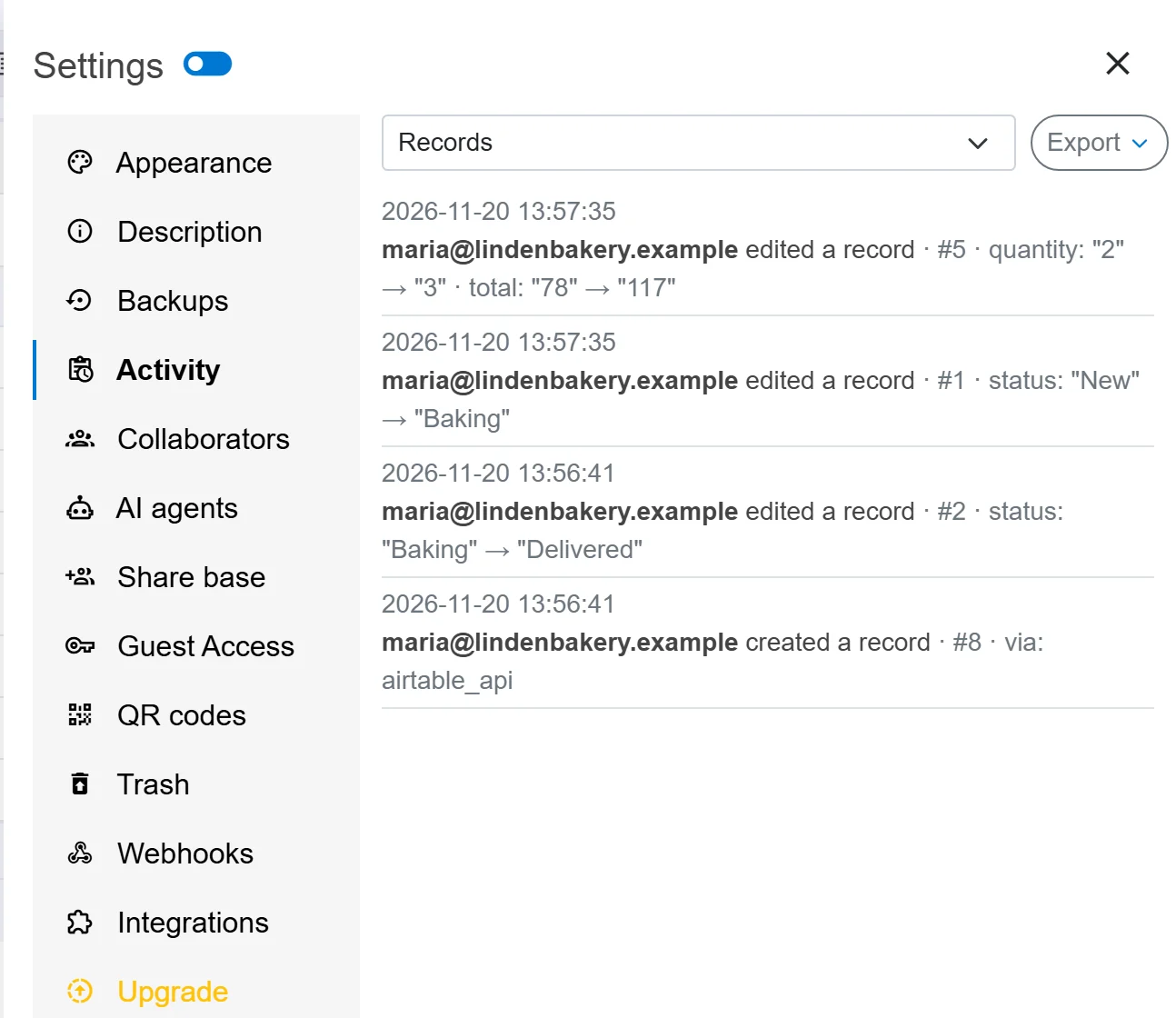
Четете го в база
A base's owners can read everything that happened in that base.
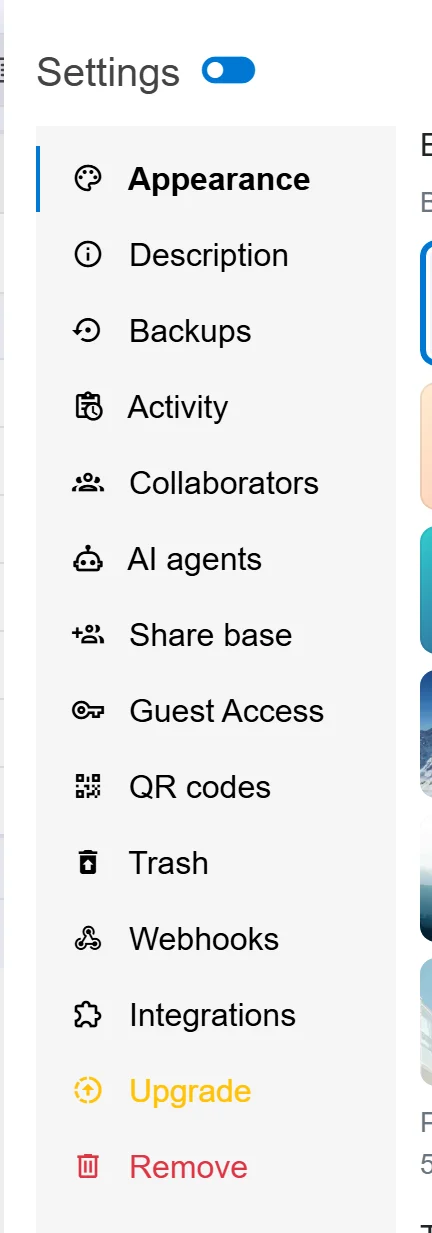
- Open the base and click Настройки at the top right.

- In the list on the left of the Settings panel, click Дейност.
- To see one kind of event, choose it in the list at the top: Записи, Редакции на клетки, Права, Покани, Резервни копия, Structure & notes or Sign-ins. Всички събития shows everything.
- Scroll down and click Зареди още to go further back.
- To keep a copy, click Export and choose CSV (opens in Excel) or JSON.
Read it for the whole installation
On your own server, an administrator can read and export the log of every workspace.
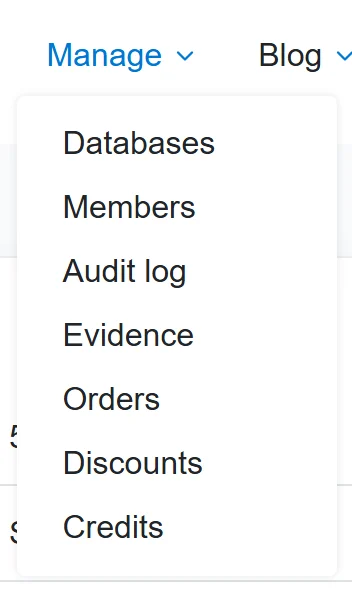
- Click the round button at the top right and choose Контролен панел.
- In the Control panel's top menu, open Manage and choose Дневник на промените.
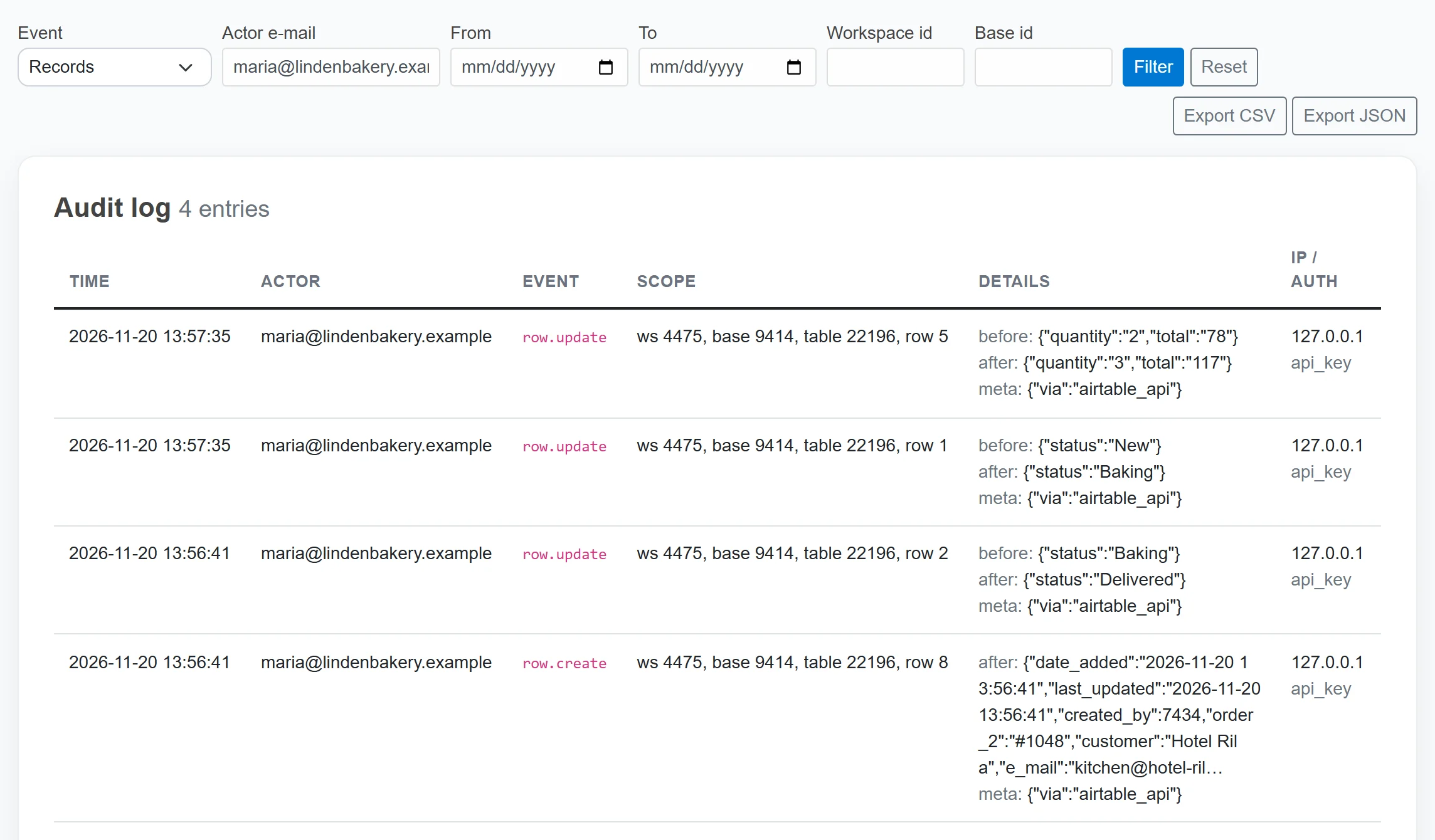
- Narrow it down with Събитие, Actor e-mail (the person), От и To (dates), Workspace id и Base id, and click Filter. Reset clears them.
- Click Export CSV or Export JSON to download what is shown.
Какво се записва
- Sign-ins, failed sign-ins and new accounts, with the way the person signed in.
- Добавени, променени и изтрити записи и редакции на отделни клетки, със стойностите преди и след.
- Създадени, променени и премахнати таблици, полета, изгледи и бази, и импорти.
- Права, покани, API токени, резервни копия, настройки и членове.
- Промени, направени през API, AI чат, AI агенти и вградени изгледи, всяка приписана на човека, агента или приложението, което ги е направило.
Each entry has the time, the person and their e-mail address, the internet address (IP) and sign-in method, and the workspace, base, table and record it is about.
Decide how long to keep it
On your own server, in the Control panel, open Настройки, General:
- Keep audit log entries for (days): 0 keeps everything. Older entries are removed once a day by the cron job, and that removal is recorded too.
- Values stored with audit entries: Full before/after values, Changed fields only, или No values (who, what, when only), if your rules limit what may be kept.
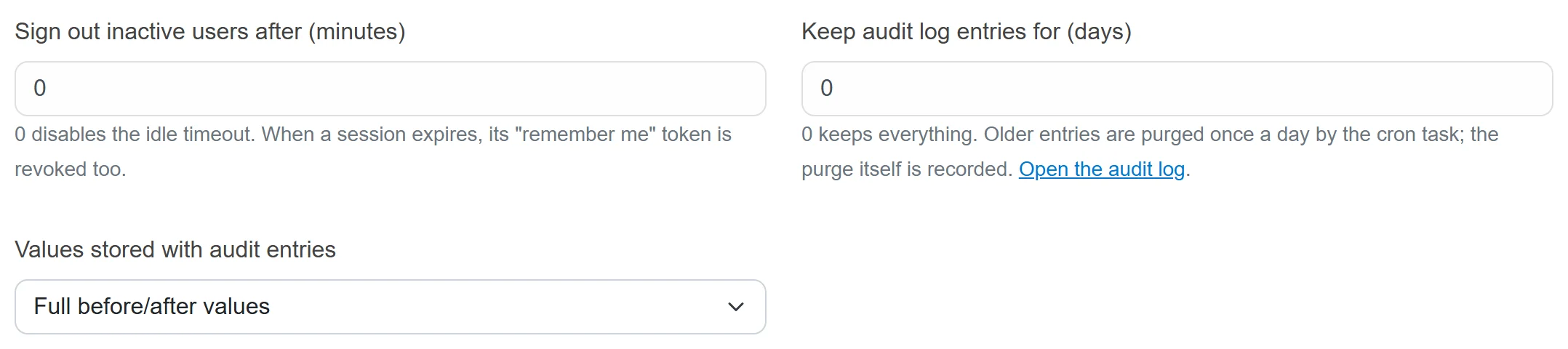
Each setting is saved as soon as you change it.
Добре е да знаете
- Nobody can edit or delete an entry from inside Artavolo. Exporting the log is recorded too.
- A base's owners see every event in their base. Other members see only the base's general activity messages.
- На собствен сървър експортът изисква лицензен ключ, който включва експорт на дневника на промените (Standard и нагоре). Вижте Прилагане на лицензен ключ.
- A record's last 200 changes can also be read through the API. That is what a record's history in a base is built from.
- Промените, направени от AI агент, могат да се отменят от стойностите, които дневникът пази. Вижте AI агенти.