Полета за телефонен номер, имейл и URL
Обновено
Phone number, Email and URL fields hold your contacts' details and show them as links. A click on a phone number starts a call on a phone or in your calling app, a click on an e-mail address opens a new message, and a click on a website opens it in a new tab.
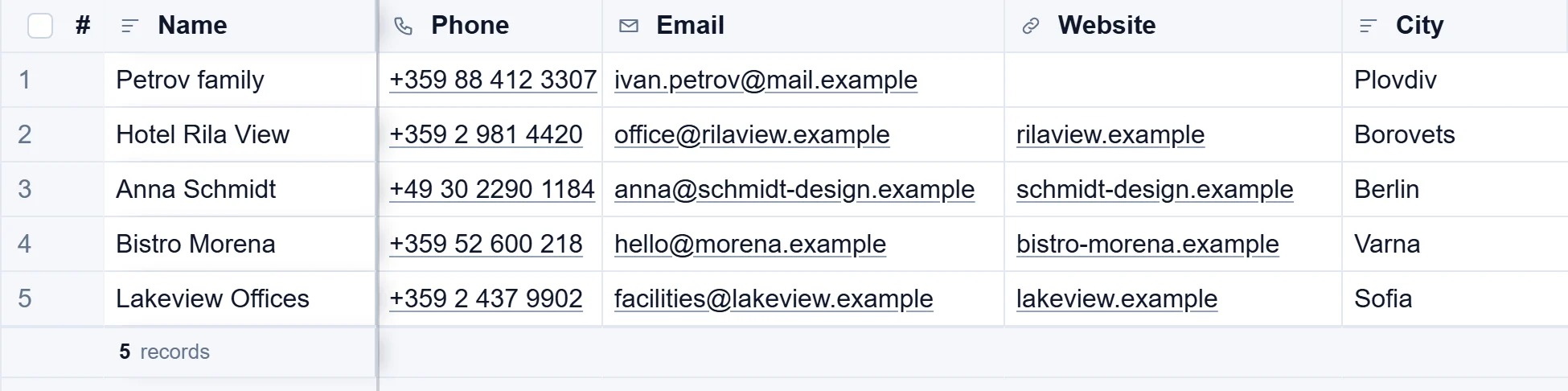
Добавете такова
- Press the + at the right end of the column names.
- Type a Име and choose Phone number, Имейл or URL under Field type.
- Press Create field. These types have no other options.
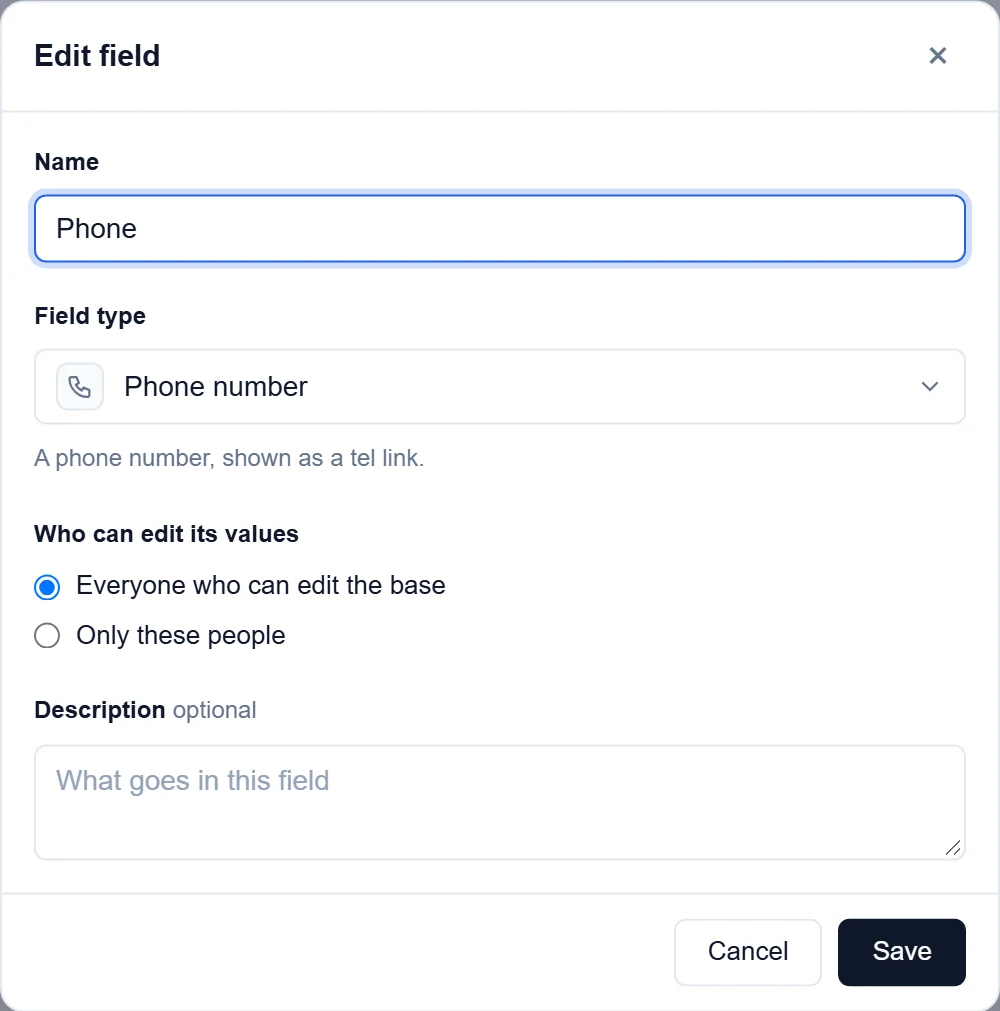
Follow a link or change it
- The first click selects the cell, as on any cell. A click on the link in a cell that is already selected follows it.
- Ctrl+щракване (Cmd+щракване на Mac) следва връзката веднага.
- To change the value instead, double-click the cell, or select it and press Enter.
- В карта, формуляр или отворен запис връзката се отваря с едно щракване.
A value that is not a valid phone number, address or web address shows as plain text, so a typo is easy to spot.
Съвети
- Write phone numbers with the country code, such as
+359 2 981 4420, so they work from anywhere. - Поле Имейл може да даде на автоматизация получателя ѝ: посочете полето във фигурни скоби, например
{Email}, като адрес за изпращане. - When you import a file, a column that holds only e-mail addresses becomes an Email field.
- To open a web address made from several fields, such as an order page, use a Button field. See Field types.
Добре е да знаете
- Само собствениците на базата добавят полета. Всеки, който може да редактира записи, ги попълва.
- Artavolo checks only how a number or an address is written, not that it really exists.
- От Airtable полетата за телефонен номер, имейл и URL пристигат със същите типове.