Phone number, email and URL fields
Updated
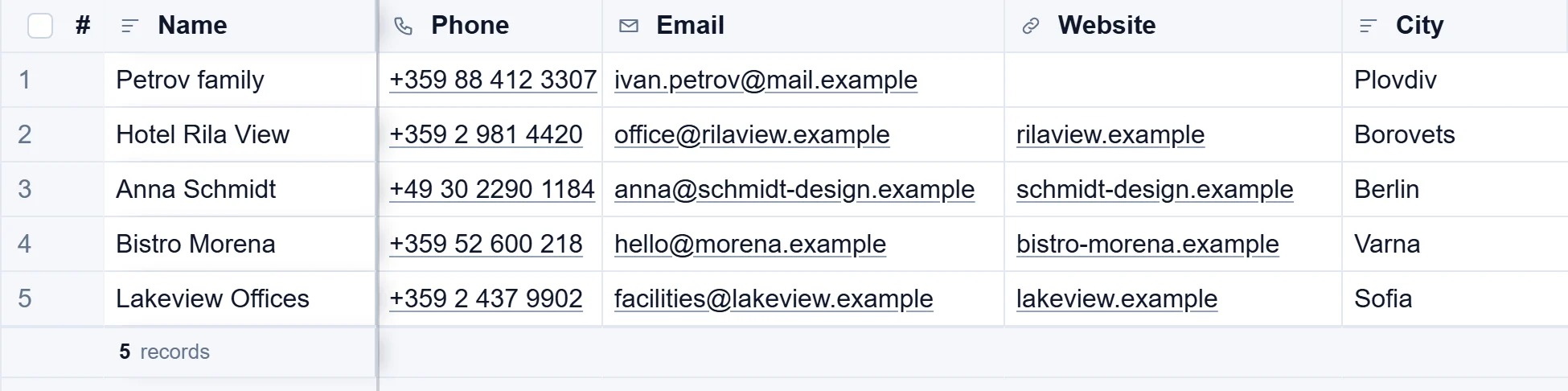
Phone number, Email and URL fields hold your contacts' details and show them as links. A click on a phone number starts a call on a phone or in your calling app, a click on an e-mail address opens a new message, and a click on a website opens it in a new tab.
Add one
- Press the + at the right end of the column names.
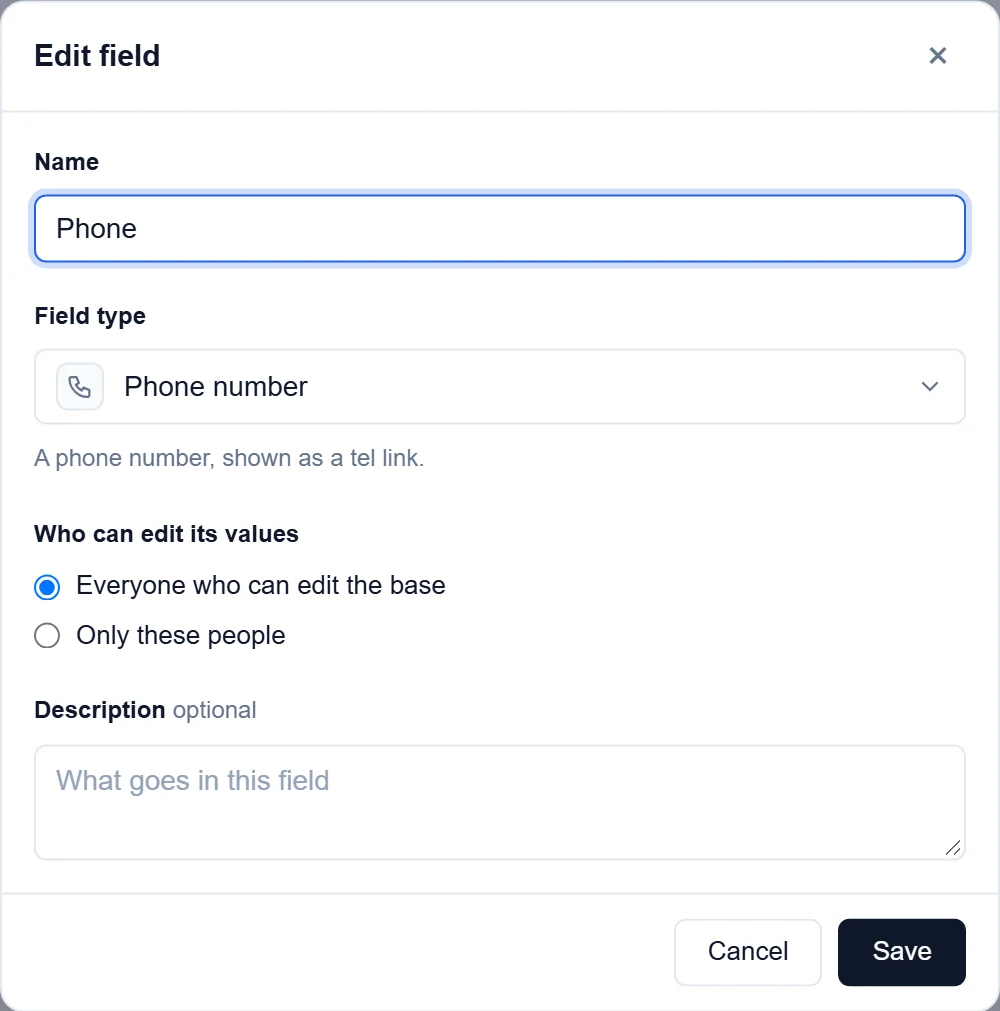
- Type a Name and choose Phone number, Email or URL under Field type.
- Press Create field. These types have no other options.
Follow a link or change it
- The first click selects the cell, as on any cell. A click on the link in a cell that is already selected follows it.
- Ctrl+click (Cmd+click on a Mac) follows the link at once.
- To change the value instead, double-click the cell, or select it and press Enter.
- On a card, a form or an open record, the link opens with one click.
A value that is not a valid phone number, address or web address shows as plain text, so a typo is easy to spot.
Tips
- Write phone numbers with the country code, such as
+359 2 981 4420, so they work from anywhere. - An Email field can give an automation its recipient: name the field in braces, such as
{Email}, as the address to send to. - When you import a file, a column that holds only e-mail addresses becomes an Email field.
- To open a web address made from several fields, such as an order page, use a Button field. See Field types.
Good to know
- Only the base's owners add fields. Anyone who may edit records fills them in.
- Artavolo checks only how a number or an address is written, not that it really exists.
- From Airtable, phone number, email and URL fields arrive as the same types.