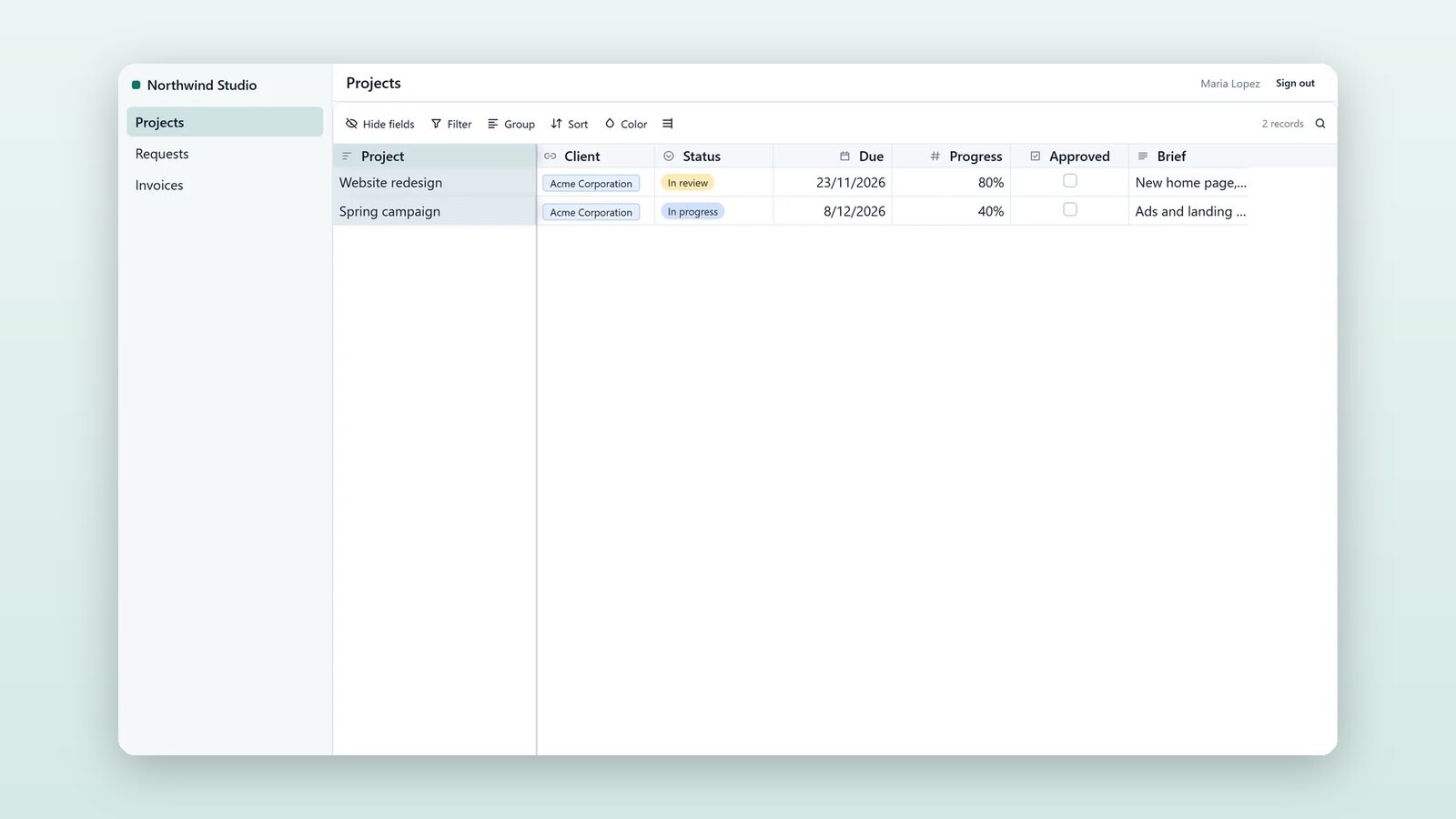
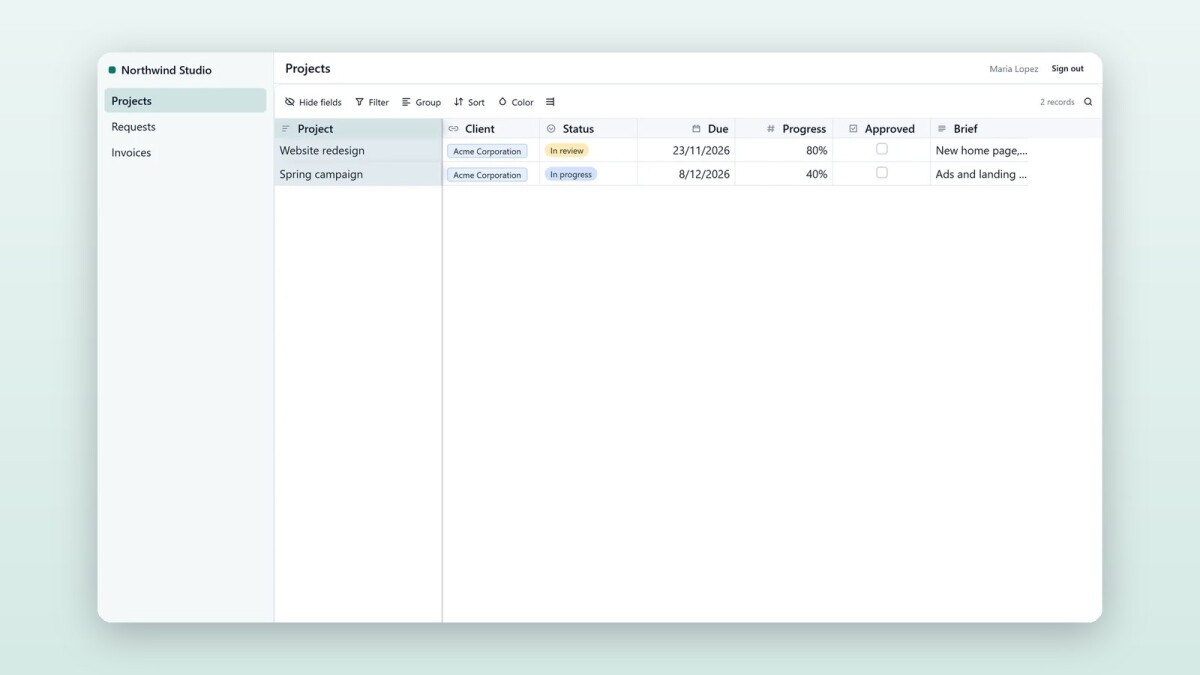
Agencies, accountants and service companies keep their clients' projects, requests and invoices in a base. Their clients then ask by e-mail where things stand. A client portal lets each client look for themselves, without seeing anyone else's work and without becoming a member of the base. On Airtable this usually means buying a second tool such as Softr or Noloco; here it is part of the base.
How a client signs in
A client types their e-mail address and gets a six-digit code. There is no account to make and no password to forget. They stay signed in for 30 days on that browser. Untick their access, or delete them, and their session ends at once. The sign-in page gives every address the same answer, so it never tells anyone who your clients are.
Only their own records
A portal is an interface published for your clients: a page for their projects, one for requests, one for invoices, each with what they may do there and which fields they see. On every page the portal keeps the records linked to the client's company, or to the person, for records that belong to one person.
The server enforces this on every read and write, not only on the screen: a client cannot open another client's record, see its name in a link, or read a hidden field. A request a client adds is linked to their company on its own, and comments they write appear with their name and "(client)" for your team in the base.
A website with a client login
Besides its interface pages, a portal can have pages of its own, built from the same blocks as a shop: headings, text, pictures, buttons, contact details and lists from any table. Public pages such as About or How we work are for anyone, so the portal can be your website with a client login. Pages for clients ask them to sign in, and a list there can show only the signed-in client's records.
Plans
Client users are unlimited and free on every plan: they are not seats, however many clients sign in. On the Pro plan a portal can have your own domain, such as portal.yourcompany.com.
Who this is for
Agencies, studios, consultants, accountants, builders and any service company whose clients ask "where are we with this?" more often than they should need to.
Part 3 of 3 in the series "Your tables, in front of your customers". The other parts:
- Part 1: Sell from your tables: online shops with delivery and cash on delivery
- Part 2: Booking pages: let people book you, as with Calendly
Read Client portals to set one up, or open the client portal template, which has the portal ready to switch on.