Insurance agency template
Your clients see their policies, instalments and claims on their own page and get reminded before a payment or a renewal, so they stop calling to ask.
See it at work Quick start: about 15 minutes
- Category
- Finance, Small business, Sales & CRM
- Tables
- Policies, Payments, Claims, What we need, Renewal offers, Quote requests, Clients, Contacts
- Views
- Grid, Kanban, Calendar, Client portal

See it at work
Quick start
From the template to clients signing in to their own page in about fifteen minutes. Each step says exactly what to click.
-
Click Use template
It is at the top of this page. New to Artavolo? Sign up with Google or your e-mail: it is free and takes a minute. Your own copy opens right after.
Use template
-
Look around for a minute
Your copy opens on Policy board in Policies. The clients in it are made up: they show how it looks with work going on. Click Payments, Claims, What we need, Renewal offers, Quote requests, Clients and Contacts at the top to see the other lists.

-
Clear the examples
When you have seen enough, click Clear the examples in the box at the bottom right, then Clear them. Do this before you type anything of your own, because it clears every example, even one you changed. They wait in the trash for 30 days.

-
Add your clients
Click Clients at the top. Click Add row at the bottom: one row for each client company.

-
Add the people who sign in
Click Contacts at the top. One row for each person: fill in Name and Email, pick their company in Client, and tick Portal access. Only ticked people can sign in.

-
Link their work to them
In Policies, Payments, Renewal offers, Claims, What we need and Quote requests, pick the client in each record's Client column. Each client sees only the records linked to their company, never anyone else's.

-
Open the portal
Click Interfaces at the top, then Client portal, then Client portal at the top right. Type an Address (your company's name, say) and click Save address. Then switch on Open the portal to clients.

-
Send your clients the address
They type their e-mail, get a code, and they are in: no password and no account. Client users are free, however many you have.

-
Sign in once as a client
Add yourself in Contacts with your own e-mail and Portal access ticked. Open the address in a private window and sign in: you see exactly what your clients see.

-
Invite the people you work with
Click Share at the top right, then Base / Group. Type their e-mail under E-mail address and click Send the invitation. They get an e-mail with a link, and see every change as it happens.

From now on your clients check their own work and send their requests themselves, and you answer them all in one place.
Use templateAbout this template
Stop answering the same calls about when a policy ends, what to pay and where a claim stands. Each client signs in to their own page with a code sent to their e-mail and sees their policies with the documents, their instalments to pay by card or bank transfer, their claims and what happens next, the documents you still need from them, and their renewal offers, which they accept with one click. They are reminded by e-mail before an instalment is due, and they report a claim with photos from their phone. You see every policy on one board and every claim from reported to paid; a month before a policy ends it is marked for renewal and you are told. Inside: an insurance agency with eight clients (people, a family and companies), their policies with four insurers, instalments, claims, renewal offers and quote requests. Tick Portal access on a person to let them in.
- Sample records to see how it works; delete them when you start
- Every field, view and link can be changed
- No record limit on paid plans

Questions about this template
Is the insurance agency template free?
Yes. The template costs nothing, and neither does the Free plan: no card, and up to 10,000 records a base. Standard and Pro have no record limit.
What is in the insurance agency template?
Tables: Policies (16 fields), Payments (6 fields), Claims (17 fields), What we need (6 fields), Renewal offers (10 fields), Quote requests (8 fields), Clients (8 fields) and Contacts (5 fields). Views: grid, Kanban and calendar. Sample records show how it works; delete them when you start.
Can my clients sign in and see their records?
Yes. It comes with a client portal where each client signs in and sees only their own records. Client users are free. The portal stays off until you give it an address and turn it on.
Can I change it to fit my business?
Yes. Every field, view, form and link can be changed, and you can add tables of your own. Your copy is yours; the template stays as it is.
Can I bring my own data?
Yes. Import a CSV or Excel file into any table, or bring a whole base from Airtable with its records, links and formulas.
More finance templates
View all
 Marketing campaign tracker templateSee which marketing campaign brings leads for the least money, and what still has to be designed before launch.
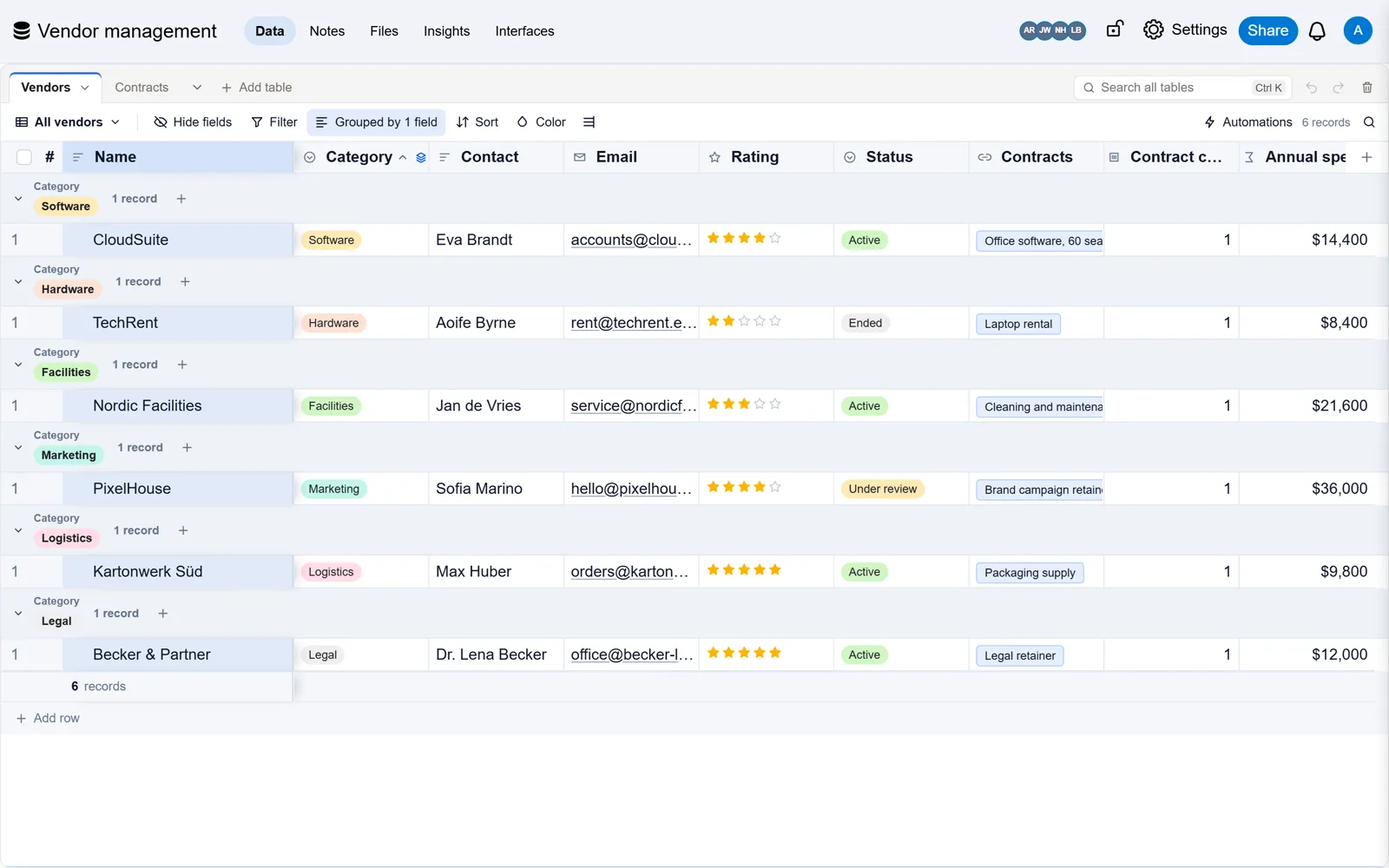
 Vendor management templateNo supplier contract renews by surprise again, and you know what each supplier costs you a year.
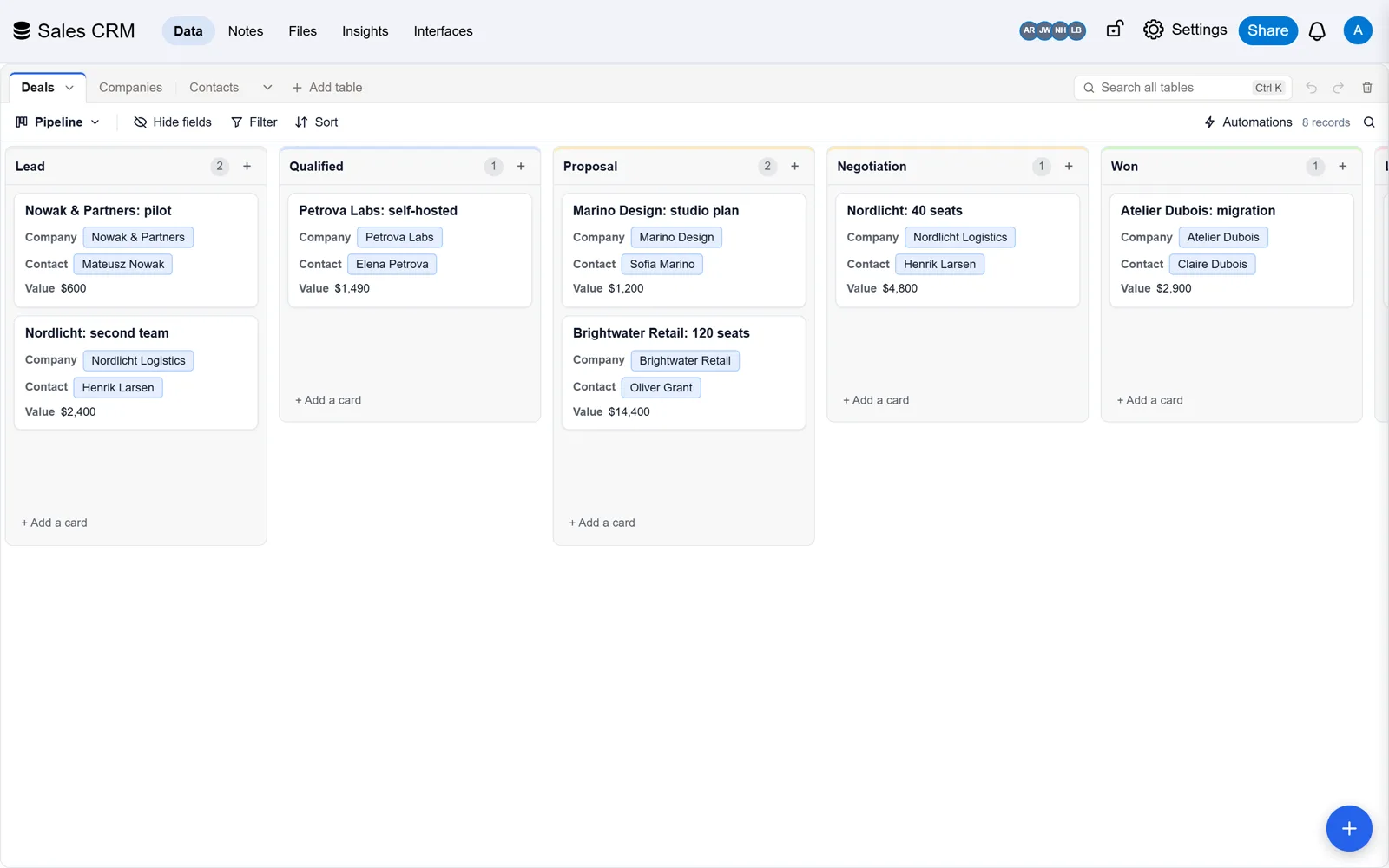
 Sales CRM templateKnow which deals will close this month and what they are really worth, in a simple sales CRM.
Already built it in Airtable?
Bring your base with every record, link and formula, checked against Airtable. Free, and Airtable stays as it is.