Lift and equipment service template
Technicians scan the QR code on the lift: the visit is logged with the time, the work done, the parts and photos, and you are told.
- Category
- Operations, Small business
- Tables
- Visits, Lifts
- Views
- Grid, Gallery, Kanban, Calendar, Form


About this template
For lift and elevator companies, and any team that services equipment on site: escalators, boilers, fire doors, machines. Print a QR code for each lift (Settings, QR codes) and fix it in the machine room or the car. The technician scans it on arrival; the form opens with the lift filled in, records the arrival time and asks for the visit type, the work done, parts, hours, the result and photos. Each visit is in the log, lifts out of service stand out on the board, the next services are on a calendar, and an e-mail tells you about every visit.
- Sample records to see how it works; delete them when you start
- Every field, view and link can be changed
- No record limit on paid plans


Photos: Marc Zeman, colsan ltda, Emmanuel Ikwuegbu, on Unsplash.

Questions about this template
Is the lift and equipment service template free?
Yes. The template costs nothing, and neither does the Free plan: no card, and up to 10,000 records a base. Standard and Pro have no record limit.
What is in the lift and equipment service template?
Tables: Visits (10 fields) and Lifts (7 fields). Views: grid, gallery, Kanban, calendar and form. Sample records show how it works; delete them when you start.
Can I change it to fit my business?
Yes. Every field, view, form and link can be changed, and you can add tables of your own. Your copy is yours; the template stays as it is.
Can I bring my own data?
Yes. Import a CSV or Excel file into any table, or bring a whole base from Airtable with its records, links and formulas.
More operations templates
View all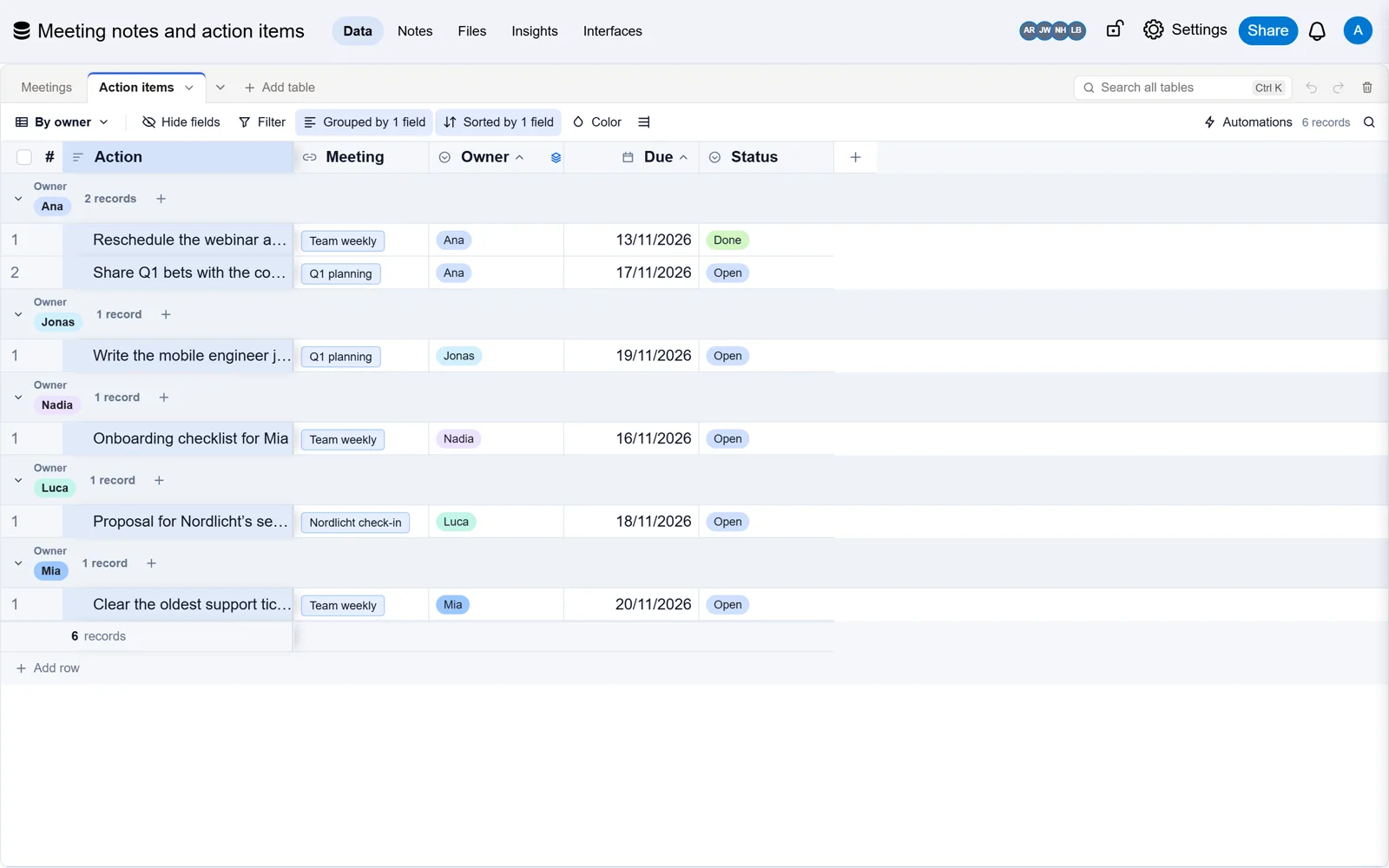
 Meeting notes and action items templateEvery meeting’s notes and decisions, and the actions that came out of them, with an owner and a date each.

 Inventory tracker templateStock levels, suppliers and orders, with the items to reorder flagged for you.
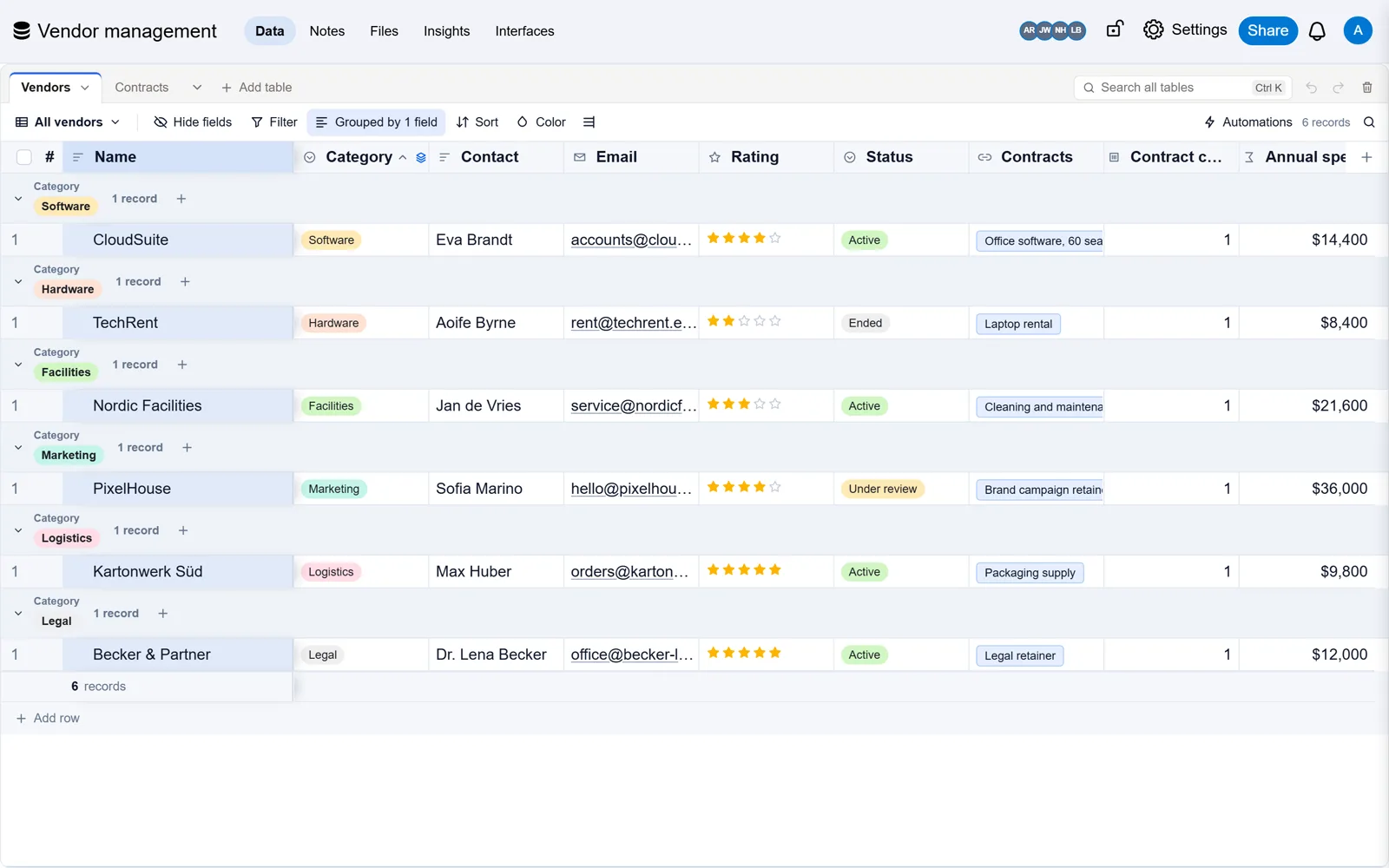
 Vendor management templateSuppliers, their contracts and renewal dates, with what you spend with each, so no contract renews by surprise.
Already built it in Airtable?
Bring your base with every record, link and formula, checked against Airtable. Free, and Airtable stays as it is.