Client portal template
Give each client a page of their own: their projects, requests and invoices, nobody else's.
- Category
- Operations, Small business, Project management
- Tables
- Clients, Contacts, Projects, Requests, Invoices
- Views
- Grid, Kanban, Client portal

About this template
Your clients, the people at each of them, their projects, requests and invoices, with a client portal ready to switch on. A client signs in with a code sent to their e-mail and sees only their company's records: they follow their projects, approve work, send requests and check invoices. Tick Portal access on a contact to let them in.
- Sample records to see how it works; delete them when you start
- Every field, view and link can be changed
- No record limit on paid plans

Questions about this template
Is the client portal template free?
Yes. The template costs nothing, and neither does the Free plan: no card, and up to 10,000 records a base. Standard and Pro have no record limit.
What is in the client portal template?
Tables: Clients (5 fields), Contacts (5 fields), Projects (8 fields), Requests (6 fields) and Invoices (5 fields). Views: grid and Kanban. Sample records show how it works; delete them when you start.
Can my clients sign in and see their records?
Yes. It comes with a client portal where each client signs in and sees only their own records. Client users are free. The portal stays off until you give it an address and turn it on.
Can I change it to fit my business?
Yes. Every field, view, form and link can be changed, and you can add tables of your own. Your copy is yours; the template stays as it is.
Can I bring my own data?
Yes. Import a CSV or Excel file into any table, or bring a whole base from Airtable with its records, links and formulas.
More operations templates
View all
 Project tracker templateProjects and their tasks, with owners, dates and a timeline that keeps everyone honest.
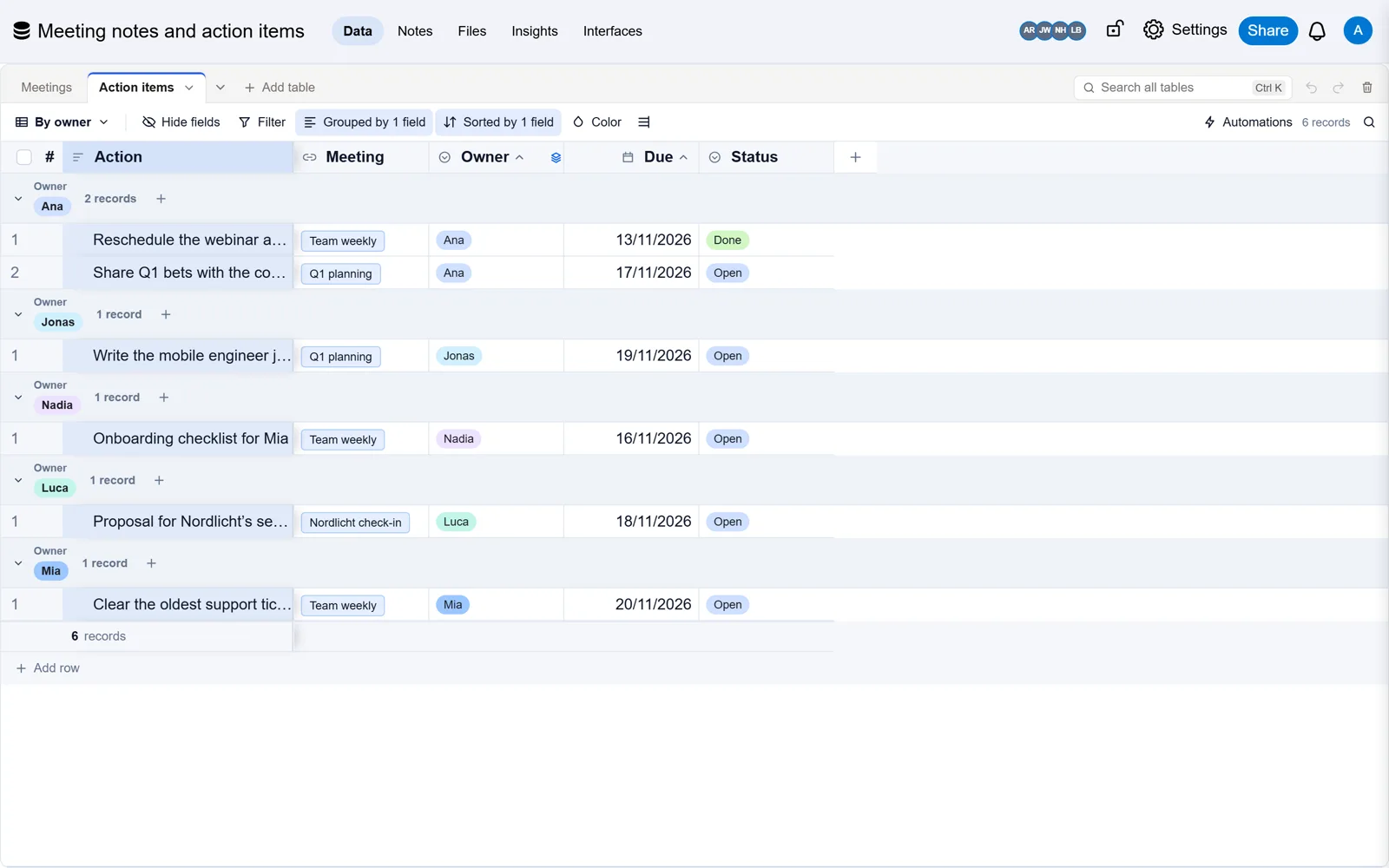
 Meeting notes and action items templateEvery meeting’s notes and decisions, and the actions that came out of them, with an owner and a date each.
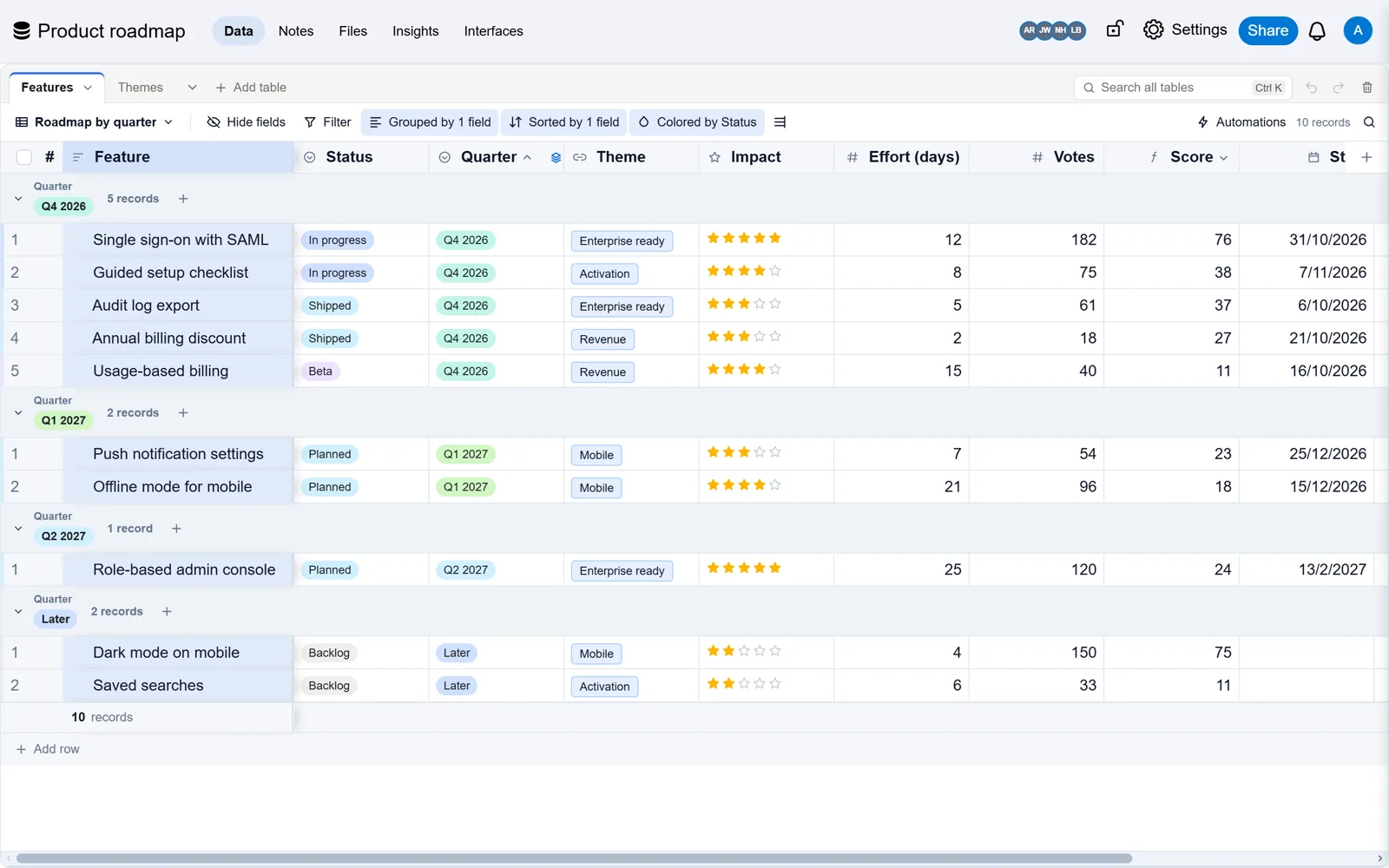
 Product roadmap templateWhat you are building, why it matters and when it lands, by quarter and by theme.
Already built it in Airtable?
Bring your base with every record, link and formula, checked against Airtable. Free, and Airtable stays as it is.