Social media calendar template
Every post on every platform, approved, then posted by itself to your own pages.
- Category
- Marketing
- Tables
- Posts, Campaigns
- Views
- Grid, Calendar, Kanban
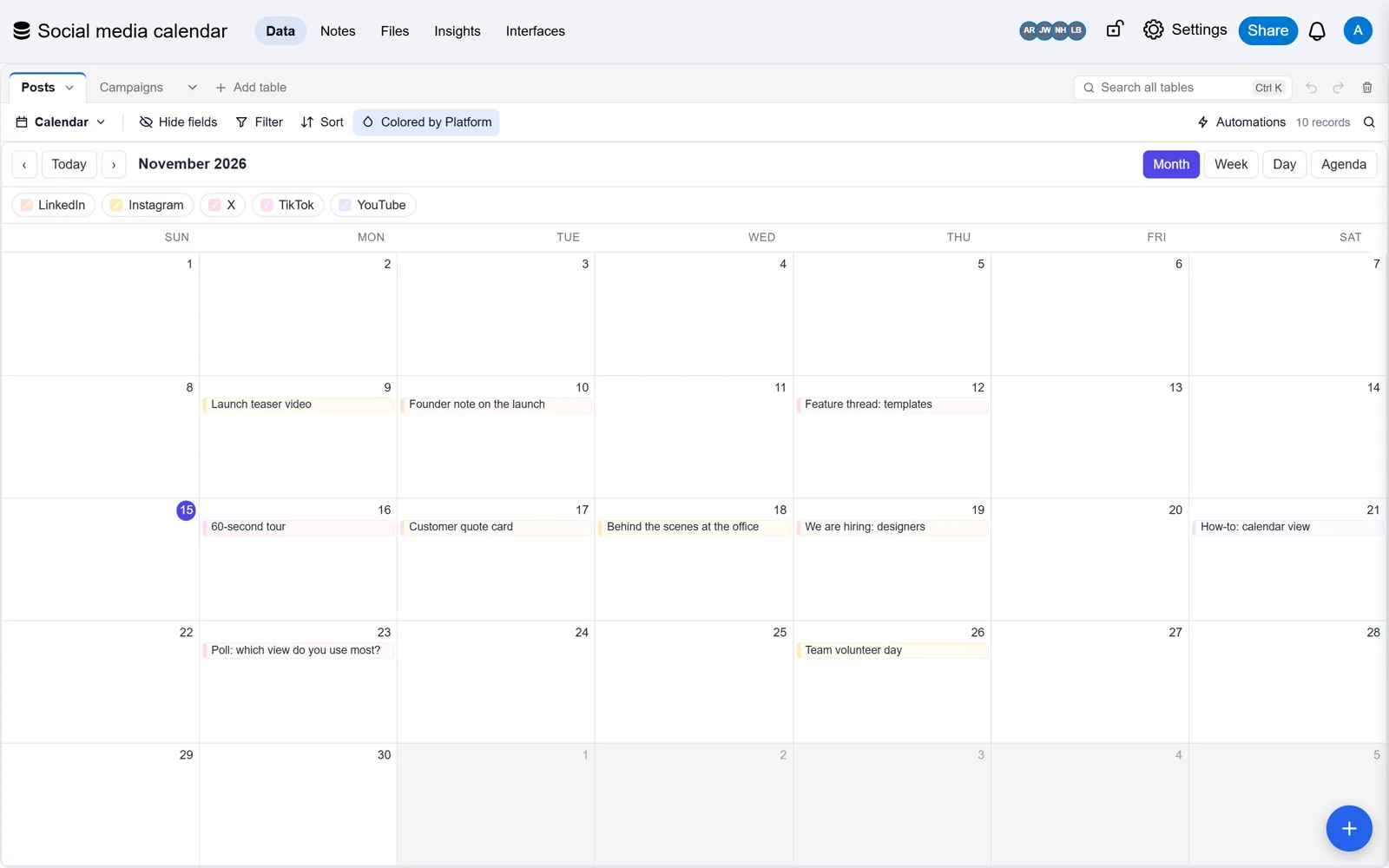

About this template
Posts by platform and campaign, with copy, pictures, approval status and post date. Set a post to Approved and it goes out by itself at its date to the Facebook, Instagram and LinkedIn accounts connected in Social posts; the record then shows Posted, the link to the post and a note on how it went. The calendar shows the week ahead, the board shows what still needs approval, and each post works out its engagement rate from impressions and engagements.
- Sample records to see how it works; delete them when you start
- Every field, view and link can be changed
- No record limit on paid plans


Photos: Wesley Tingey, Jonathan Borba, Bakd&Raw by Karolin Baitinger, on Unsplash.

Questions about this template
Is the social media calendar template free?
Yes. The template costs nothing, and neither does the Free plan: no card, and up to 10,000 records a base. Standard and Pro have no record limit.
What is in the social media calendar template?
Tables: Posts (13 fields) and Campaigns (6 fields). Views: grid, calendar and Kanban. Sample records show how it works; delete them when you start.
Can I change it to fit my business?
Yes. Every field, view, form and link can be changed, and you can add tables of your own. Your copy is yours; the template stays as it is.
Can I bring my own data?
Yes. Import a CSV or Excel file into any table, or bring a whole base from Airtable with its records, links and formulas.
More marketing templates
View all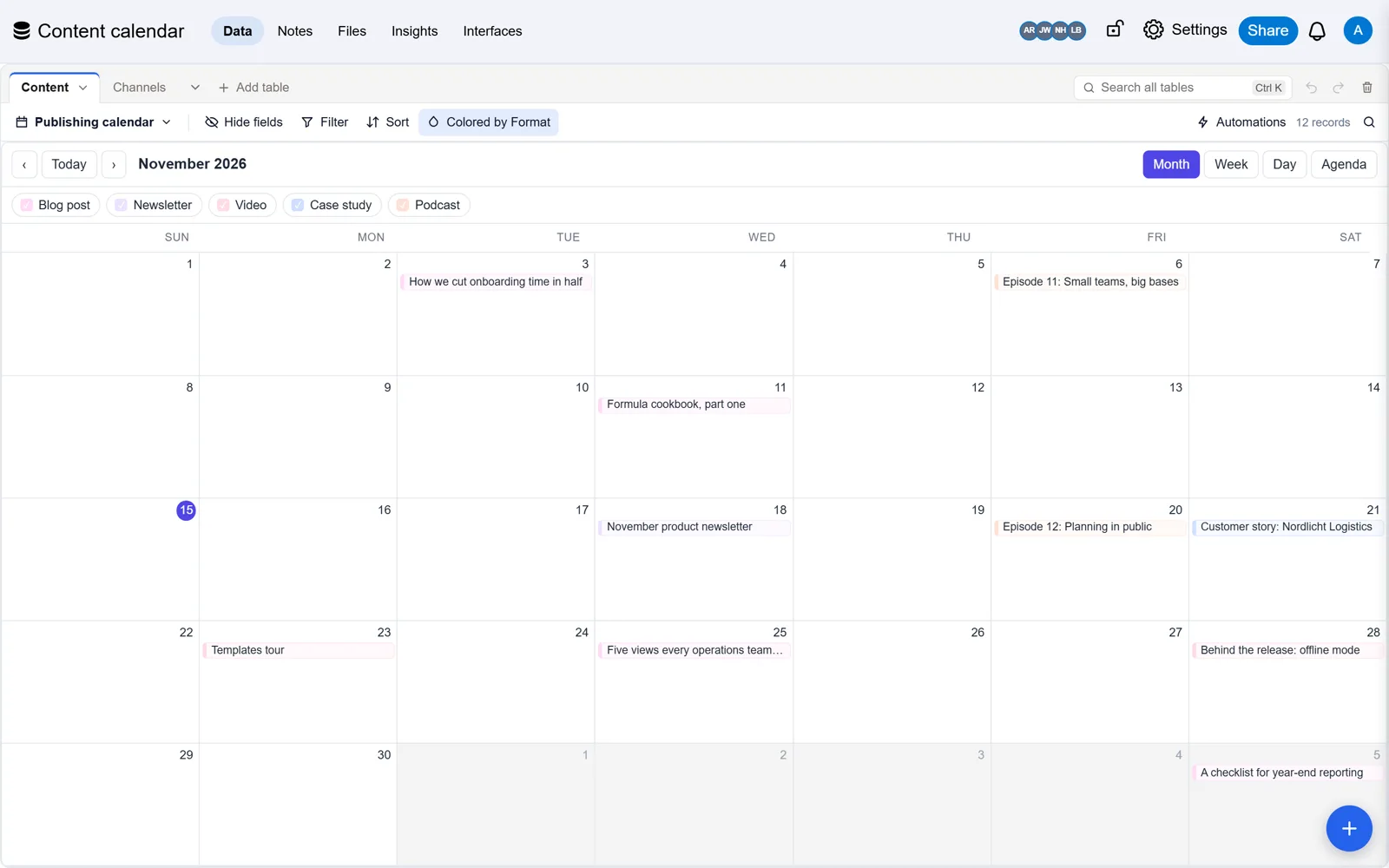
 Content calendar templatePlan every post, newsletter and video on one calendar, from idea to published.
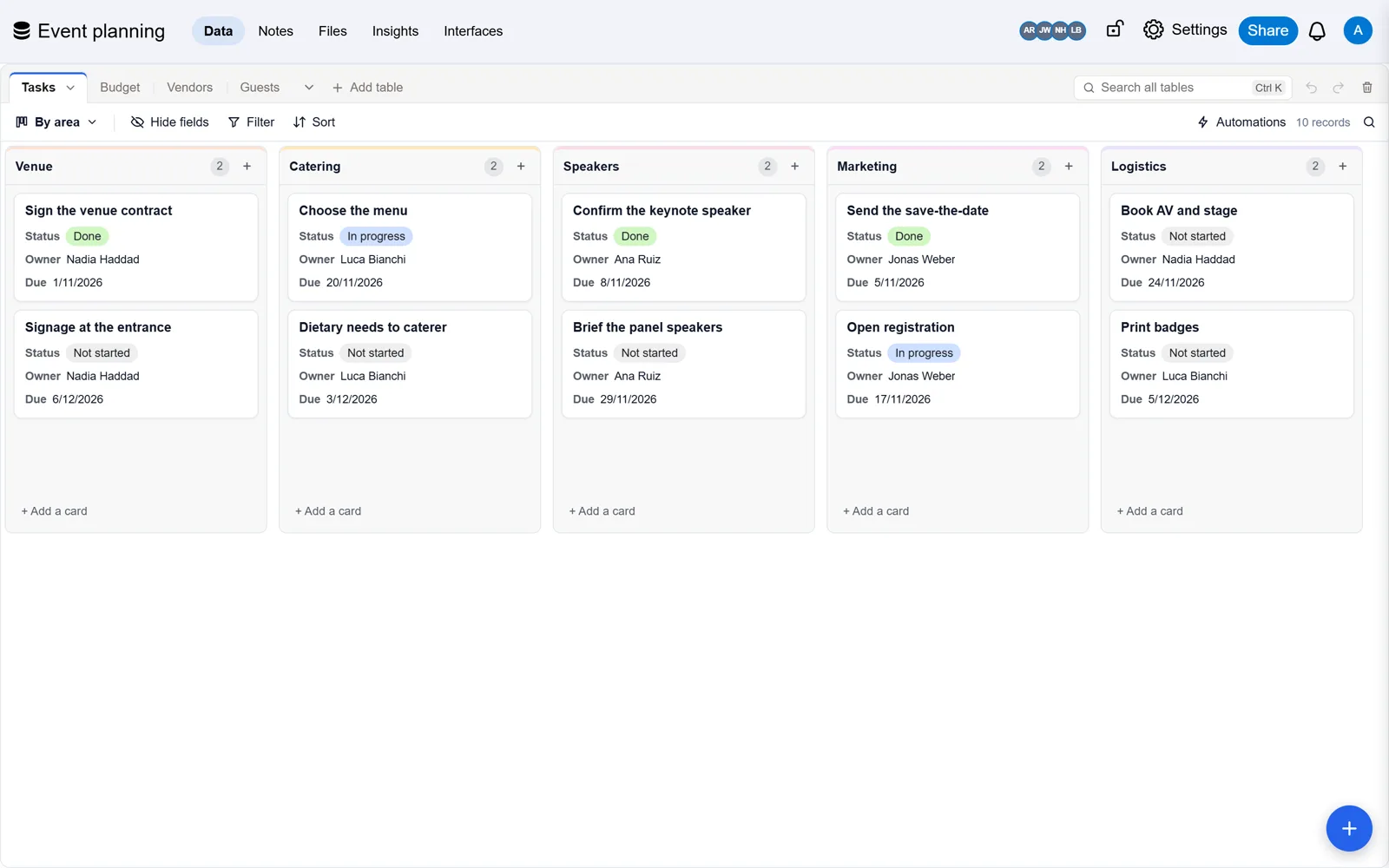
 Event planning templateTasks, budget, vendors and guests for one event, from the first booking to the last thank-you.

 Marketing campaign tracker templateBudget, spend, leads and assets for every campaign, with cost per lead worked out for you.
Already built it in Airtable?
Bring your base with every record, link and formula, checked against Airtable. Free, and Airtable stays as it is.