Start from a template
Updated
A template is a ready-made base for a common kind of work, such as a project tracker, a sales CRM or an applicant tracker. It comes with linked tables, fields, views and example records, so you can see how it works on day one and then make it your own.
Find a template
Open the gallery at /browse-templates, from Start from a template on Home, or from Templates in the menu at the top.
- Type in Search templates to find one by name or purpose.
- By use case lists the categories: project management, marketing, sales and CRM, HR and recruiting, finance, operations, small business, personal and more.
- By feature shows the templates with a Kanban, Calendar, Timeline, Form or Chart view, or with linked tables.
On Home, What are you organising? goes straight to a template for projects, clients, stock, content, events, hiring, support requests or expenses.
Use a template
- Click a template to open its page. It lists the tables, their fields, the number of example records and the views.
- Press Use template. If you own several workspaces, choose one under Add it to a workspace.
- The base is made and opens in the Data section.
Not signed in yet? Use template asks you to sign up first, then makes the base in your new workspace.
What a template brings
- Tables linked to each other, with formulas, lookups, rollups and counts already set up.
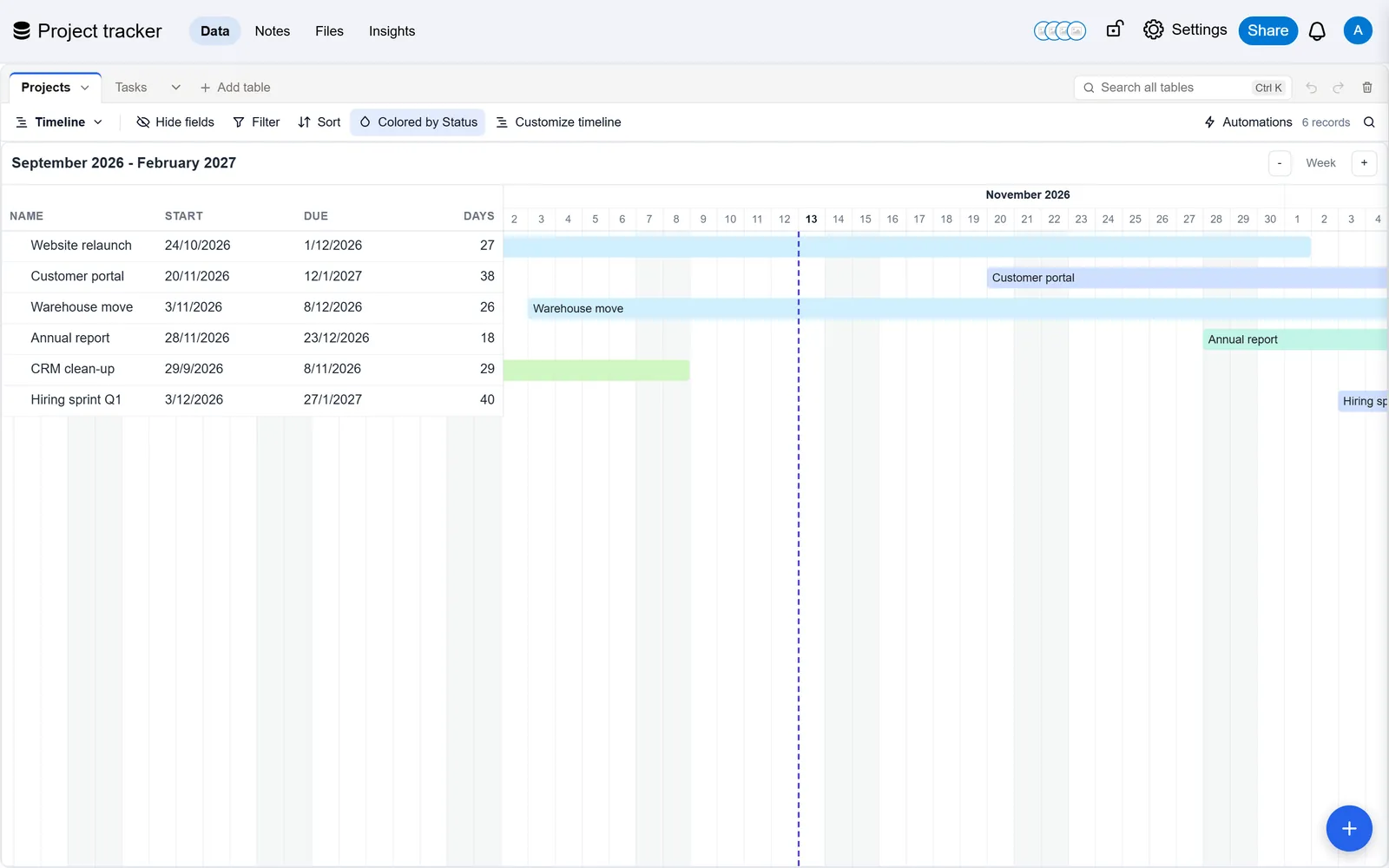
- Views made for the work: grids, boards, calendars, timelines, galleries, forms and charts.
- Example records dated from the day you make the base, so calendars and timelines show the weeks ahead. Some templates include pictures.
- Choice options in colours that mean the same everywhere: grey for not started, blue for under way, green for done, red for something gone wrong.
- A few templates for work done on the spot, such as the cleaning log, lift and equipment service, and visitor check-in, also bring a form that anyone can fill in and an automation that e-mails you each new entry.
Everything can be changed: rename tables, add or delete fields, change views. The base is yours like any other.
Clear the example records
A base made from a template says These are example records above its tables.
- When you are ready to start with your own records, press Clear the examples.
- Check the count, then press Clear them. Not yet cancels.
The examples go to the trash, where they can be restored for 30 days. Records you added yourself stay. Example records you edited are still examples, and are cleared too. Keep them hides the note for this base in your browser.
Good to know
- Only owners of a workspace can make a base from a template in it, within the plan's number of bases.
- Only owners of the base can clear the examples. Other members see the note with Keep them only.
- Already built your base in Airtable? Bring it over instead: Move from Airtable.