Share one view on a link
Updated
Sometimes a client, a subcontractor or a supplier only needs to see one list: the building schedule, this week's deliveries, your price list. You can send them a link to that one view. They see its records as the view shows them, and nothing else of your base. They cannot change anything, and they do not need an Artavolo account.
Share a view
- Click the view's name at the left end of the bar above the records. The views menu opens.
- Next to the view you want to share, click the small link button, Share this view.
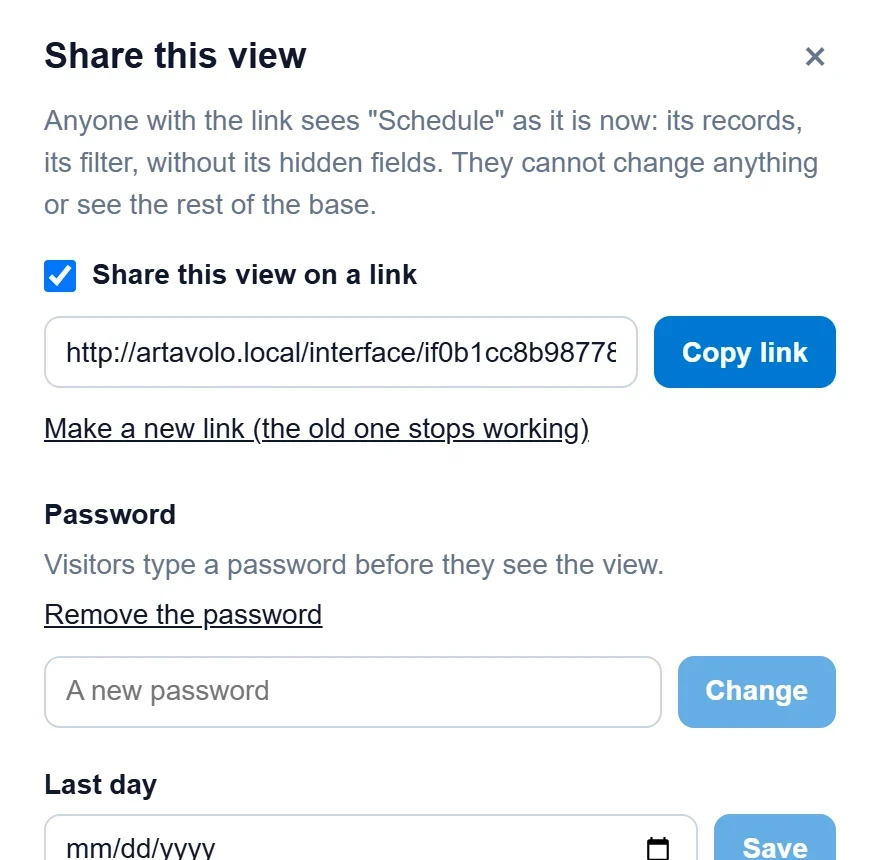
- Tick Share this view on a link. The link appears under it.
- Click Copy link and paste it into an e-mail or a message.
Whoever opens the link sees the view with its filter, sort, groups and colours. Fields hidden in the view stay hidden from them. They can search, sort and filter for themselves while they look, but nothing they do is saved, and they cannot edit, add or delete a record.
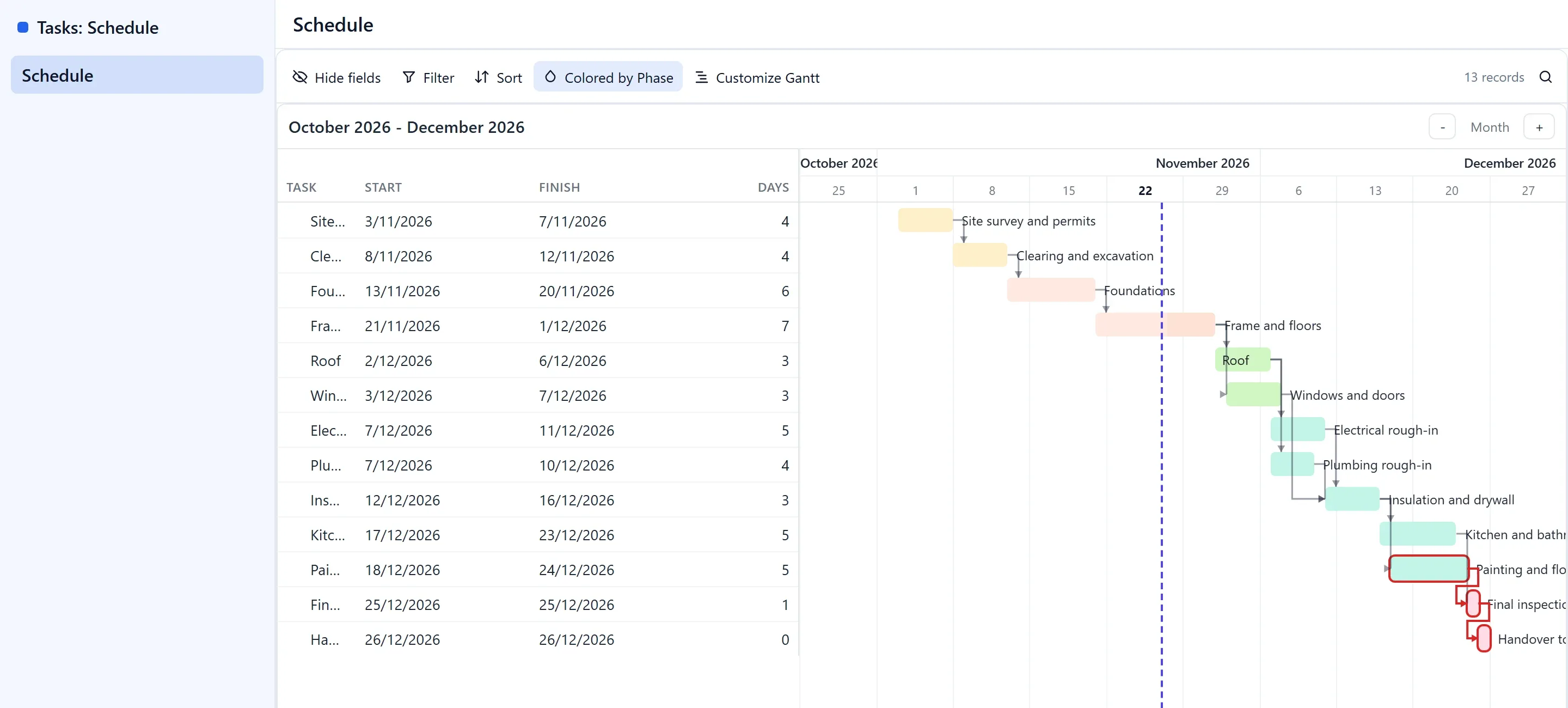
The link always shows the view as it is now. Add a record, change a date or change the view's filter, and the next time they open the link they see the change.
Ask for a password
- In the Share this view panel, type a password of at least 4 characters under Password.
- Click Set password.
Send the password separately from the link, for example by phone. People who open the link see a box that asks for it. Once they type it, the view opens in that browser.
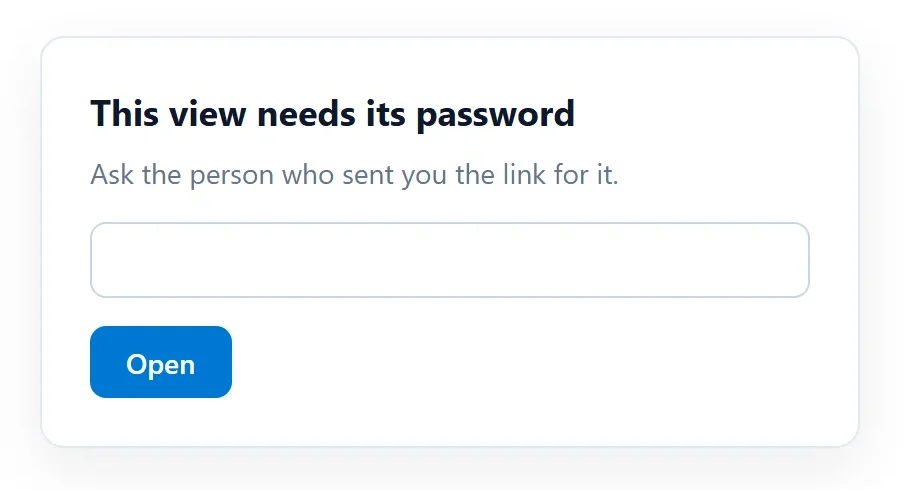
To change it, type a new one and click Change: everyone has to type the new one. To stop asking, click Remove the password.
Stop the link on a date
Under Last day, pick a date and click Save. The link works until the end of that day, then shows that it has run out. Pick a later date to open it again.
Stop sharing
- Untick Share this view on a link. The link stops working at once.
- Or click Make a new link (the old one stops working) when the link went to someone it should not have. Send the new one to the people who should still see the view.
Good to know
- Only the base's owners can share a view. A personal view cannot be shared: make it a shared view of the base first.
- A form has its own link: see Build a form and collect answers.
- To give clients a page of their own where they also add requests and see only their own records, use a client portal instead.
- Each change to the link (on, off, a password, a last day) is kept in the base's activity log.