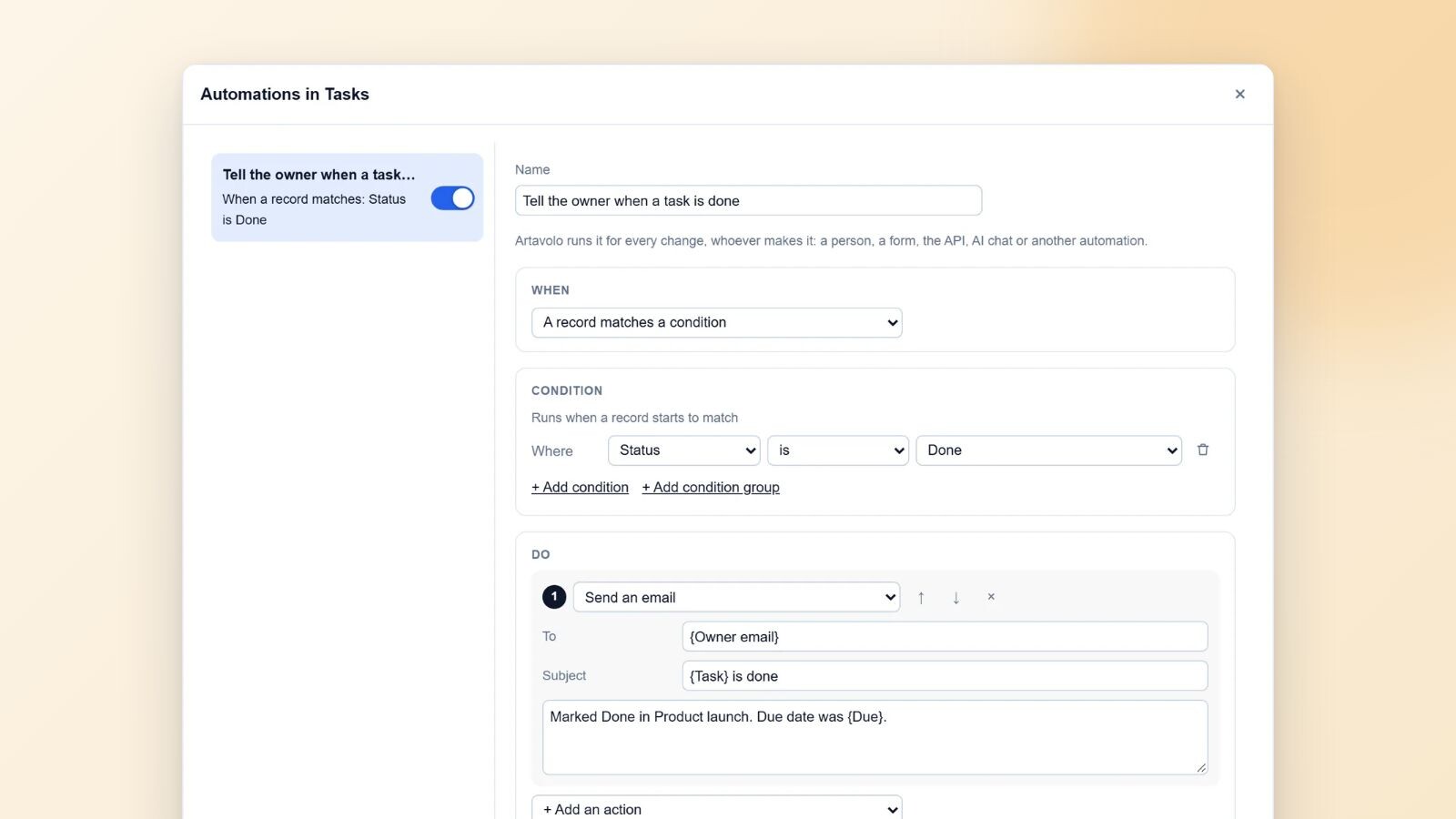
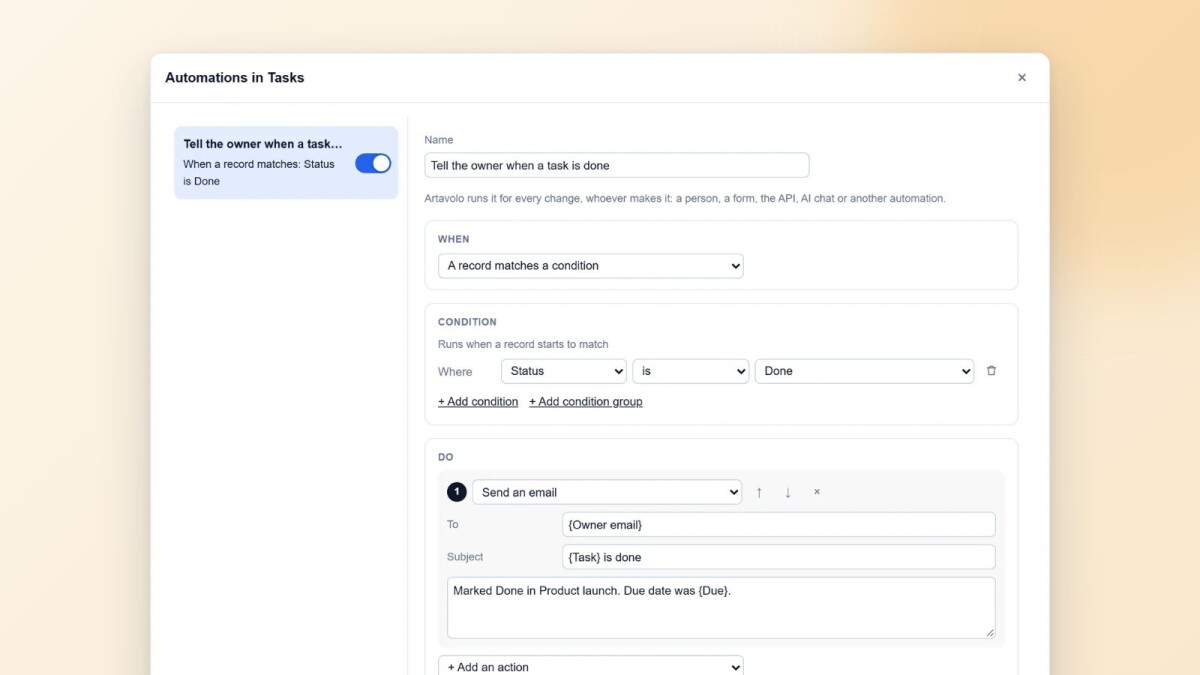
Automations in Artavolo now run on the server, for every change whoever makes it: a person, a form, the API, AI chat or another automation. They have a section of their own on the base page, with a test on a real record and a history of every run. For the tools around Artavolo, there are apps for Zapier, Make and n8n with the same triggers and actions as Airtable's, built on the Airtable-compatible API with instant triggers.
One place for every automation
The Automations section sits beside Data, Interfaces and Forms at the top of the base, for base owners. It lists every table's automations in one place. The one you pick is drawn as a flow of cards: the trigger, an optional condition, and the actions, with a "+" between them to add a step. Its settings are on the right. A test runs the automation on a record you choose (it is saved first and run by the server), and the run history shows what each run did.
A base without automations offers ready-made ones to start from, on the table you pick: e-mail me when a record is added, e-mail me when a record changes, e-mail me when the form is sent, and a reminder every Monday.
Triggers and actions
An automation starts when:
- a record is created;
- a record is updated, optionally only when some fields change;
- a record starts to match a condition, for example "Status is Done";
- a form is sent;
- someone presses a button field;
- a schedule comes round.
It can then update the record, create a record (linked back to the first), send an e-mail, call a webhook, or add a notice to the run. Values can come from the record with tokens such as {Owner email} or {Due}, relative dates such as today plus seven days, and the names of people and linked records. Conditions use the same filters as the view bar, including groups of conditions.
Runs for every change
Because automations run on the server, it does not matter where a change comes from: the base screen, an interface, a public form, the REST API, the Airtable-compatible API, AI chat, mail-in records or another automation. An automation's own writes are checked like any other write, recorded in the audit log, and named in the record's history. A loop stops four automations deep. Each base keeps the last 500 runs.
A button field is run by the server for whoever may change the record, so a contributor can press "Send invoice" without being able to edit the automation behind it.
One change to note: the older automations from before 13 November were not carried over. If a base relied on them, rebuild them in the Automations section; the ready-made ones cover the common cases.
Zapier, Make and n8n
Many Airtable teams have Zaps and scenarios that keep other tools in step. Artavolo now has apps for all three tools, with the triggers and actions Airtable's own apps offer:
- Zapier: New Record and New or Updated Record (both instant), Find Record, and Create, Update and Delete Record.
- Make: Watch Records (instant, or on a schedule), Search Records, Get a Record, Create, Update and Delete a Record, and Make an API Call for anything else.
- n8n: an Artavolo Trigger for new, updated or deleted records, and an Artavolo node to search, get, create, update and delete. The node is marked as usable as a tool, so an n8n AI agent can read and write records through it.
Every app signs in with an Artavolo API token and the address of your instance: artavolo.com or your own server. The token acts with its person's permissions. After an Airtable import the base, table and field names stay the same, so moving a Zap means swapping its Airtable steps for Artavolo's. The apps are built but not yet listed in each tool's directory; until they are, the integrations guide explains how a team installs them itself.
Instant triggers and polling
For your own programs, the same building blocks are available on the Airtable-compatible API:
- Subscriptions at
/v0/hooks: Artavolo sends each created, updated, changed or deleted record to your address as it happens, after the change is saved, signed with a secret per subscription. Answering 410 ends a subscription, 50 failures in a row switch it off, and withdrawing the token ends it. On the hosted service the address must be https and public. - Polling: sort by
CREATED_TIME()orLAST_MODIFIED_TIME(), and ask only for records created or modified after a given time. - The meta API: who the token belongs to, the bases it reaches and their tables, in Airtable's shape.
Requests from programs are limited per token and per workspace (600 and 3,000 a minute on the hosted service), so one script cannot slow everyone else down. Over the limit the answer is a 429 with a Retry-After header. The browser is never counted.
Who this is for
Operations and admin teams who want the routine parts of their work to happen on their own: telling the owner when a task is done, filing a request into the right table, keeping a CRM and an invoicing tool in step. And anyone moving from Airtable with Zaps, scenarios or scripts they cannot afford to break.
Part 4 of 7 in the series "Artavolo in November 2026". The other parts:
- Part 1: Moving from Airtable to Artavolo without losing anything
- Part 2: AI agents and people on the same tables, with review and undo
- Part 3: Interfaces, forms and QR codes: simple apps on a base
- Part 5: Artavolo on your phone: the app, photos, barcode scans and notifications
- Part 6: Import from Excel, Access, monday.com, Asana, Trello and more
- Part 7: The new base screen and Home
Every part is on the blog, and the full list of changes is on What's new. For this part, read Automations, Zapier, Make and n8n, webhooks and the REST API and tokens. Developers can read the integrations guide and the Airtable-compatible API.