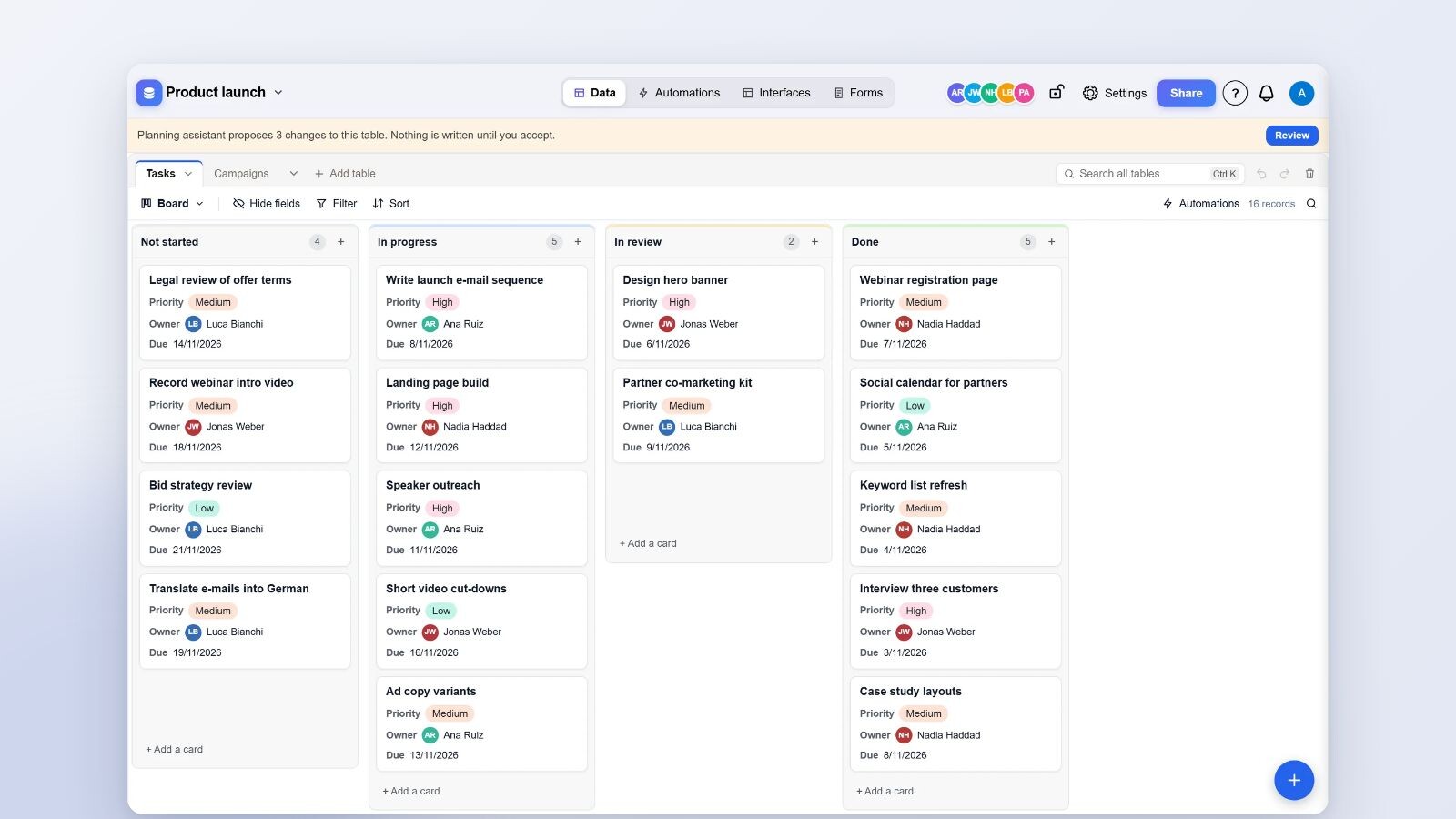
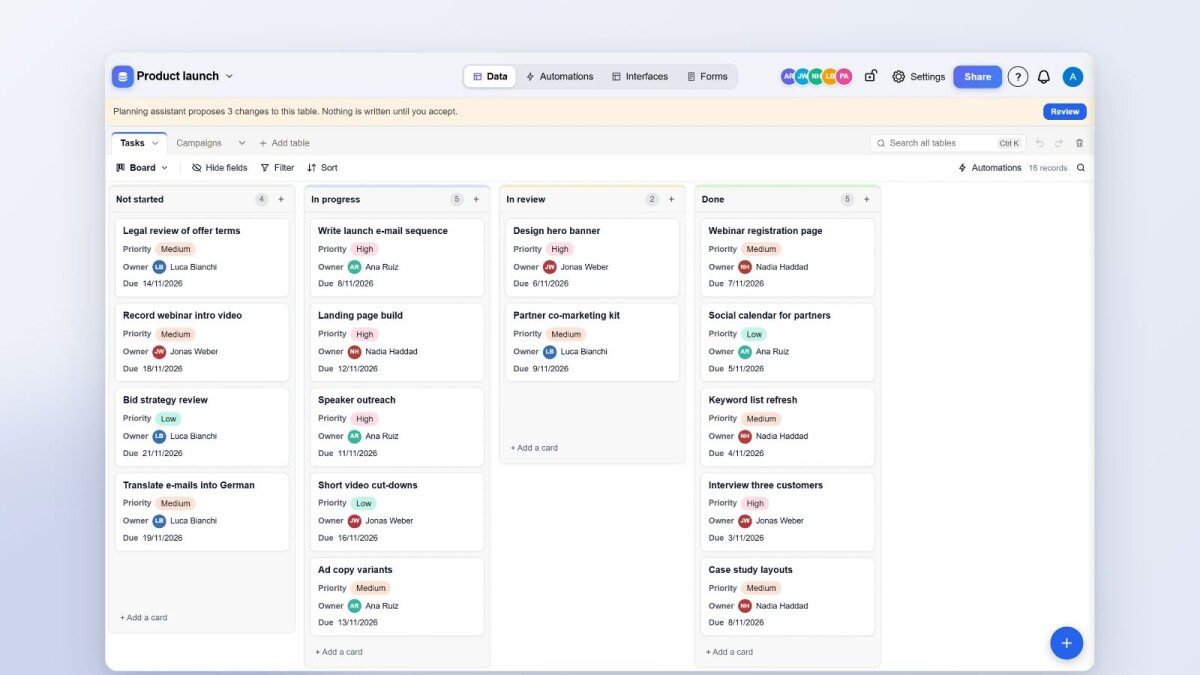
Every base in Artavolo now opens in a new base screen, and the older screen is retired. The base has four sections at the top (Data, Automations, Interfaces and Forms), tables of any size open quickly, and changes made by others appear as they happen. Home, the page you see after signing in, was rebuilt too: you can find any base by typing, pin what you use most, and start a new base from a template, a file or two plain questions.
One header, four sections
The base's name sits on the left and opens its menu: Notes, Files, Insights and All bases. In the middle are the four sections, Data, Automations, Interfaces and Forms, as an Airtable user expects them. On the right are the people in the base, Settings and Share, and next to the sections the Assistant. The browser tab names the base and the section, which helps when several are open.
What the Data section does
- Tables of any size. A table with more than 10,000 records is read a part at a time, with its view's filters, groups and totals worked out on the server. There is no record limit.
- Live changes. Edits by other people, automations, AI chat and the API appear in the open screen without a reload.
- Record history from the audit log: who changed which field, from what to what, and the app it came through, for example "Ana Ruiz via Claude".
- Comments on every record, with @-mentions. A mentioned person is notified only if they may see the record.
- A trash for records, fields, views and tables. Everything deleted stays for 30 days and comes back under its own id, with its links.
- Record rules: a base owner can let people see only their own records, or only records with one value, table by table.
- Links to several records in one field, kept in order.
Each base can also have a background, as Trello boards do. Under Settings, Appearance offers none, eight gradients, twelve photos, or your own picture (JPEG, PNG or WebP up to 5 MB). The header turns to frosted glass and the table sits on it as a white panel.
Help where you work
A How it works panel opens from the "?" beside the bell, or with the ? key. It explains base, table, record, field and view in one line each, then eight everyday tasks (add a record, add a field, see records another way, collect answers with a form, automate routine work, bring in data, work with your team, give someone a simple app) in three steps each. Show me closes the panel and points at the right control on the screen. A short tour in plain words covers the sections and the base menu, and an empty table says what to do next instead of showing an empty grid.
Home
Home now greets you and puts the next step first:
- Get started with Artavolo: four steps that tick themselves off (make your first base, take the tour, invite your team, connect your AI assistant). You can dismiss it.
- Start building: bring your Airtable base, start from a template, import a spreadsheet, or start from scratch. Starting from scratch asks two plain questions, what the base is for and what you will keep a list of, and uses the answers to name the base and its first table.
- What are you organising? offers projects, clients, stock, content, events, hiring, support requests and expenses, each opening a template made for it.
- A search box finds any base by its name, its tables' names or its workspace. Press "/" to start typing.
- Pins keep bases and workspaces at the top, per person. Pinned workspaces come first. They replace the old favourites.
- Folding: each workspace folds to its heading, and with two or more you can collapse or expand them all. Folds are kept on the server, so they follow you to every device.
- Recently opened shows the five bases you opened last.
Templates
The template gallery was rebuilt around 35 templates, laid out as Airtable's: search and categories on the left, featured templates, and a page per template with "Use template". They cover projects and roadmaps, marketing and content, sales and CRM, HR and onboarding, operations (inventory, work orders, IT help desk, cleaning log, lift and equipment service, visitor check-in), finance (expenses, invoices, grants), small business (appointments, a hair and nail salon, rental properties) and a personal category (budget, habits, a wedding planner and a cycle tracker). Each has linked tables, formulas, lookups and rollups, several views, and sample records dated from today.
Options that say where something stands have the same colour in every template: not started grey, under way blue, waiting yellow, done green, gone wrong red. A base made from a template says that its records are examples, and a base owner can remove them in one go with Clear the examples. They go to the trash for 30 days, and records you added since stay.
Insights
Insights, in the base name's menu, draws charts of a table at their real size: records by day, by person, by option and by due date (overdue, next seven days, later, no date). A record counts as changed only when someone changed it after it was made.
Who this is for
Everyone who uses Artavolo every day, and especially people opening it for the first time. The aim of this work is that a new member understands what a base is, finds their work and makes a change within a few minutes, without a training session.
Part 7 of 7 in the series "Artavolo in November 2026". The other parts:
- Part 1: Moving from Airtable to Artavolo without losing anything
- Part 2: AI agents and people on the same tables, with review and undo
- Part 3: Interfaces, forms and QR codes: simple apps on a base
- Part 4: Automations that run on the server, plus Zapier, Make and n8n
- Part 5: Artavolo on your phone: the app, photos, barcode scans and notifications
- Part 6: Import from Excel, Access, monday.com, Asana, Trello and more
Every part is on the blog, and the full list of changes is on What's new. For this part, read how Artavolo works, starting from a template, the grid view, Insights and keyboard shortcuts, or browse the template gallery.