Comment on records and mention people
Updated
Every record has its own conversation. Open a record to comment on it, type @ to mention a colleague so they get a notification, and read its history: who changed which field, from what to what, and when.
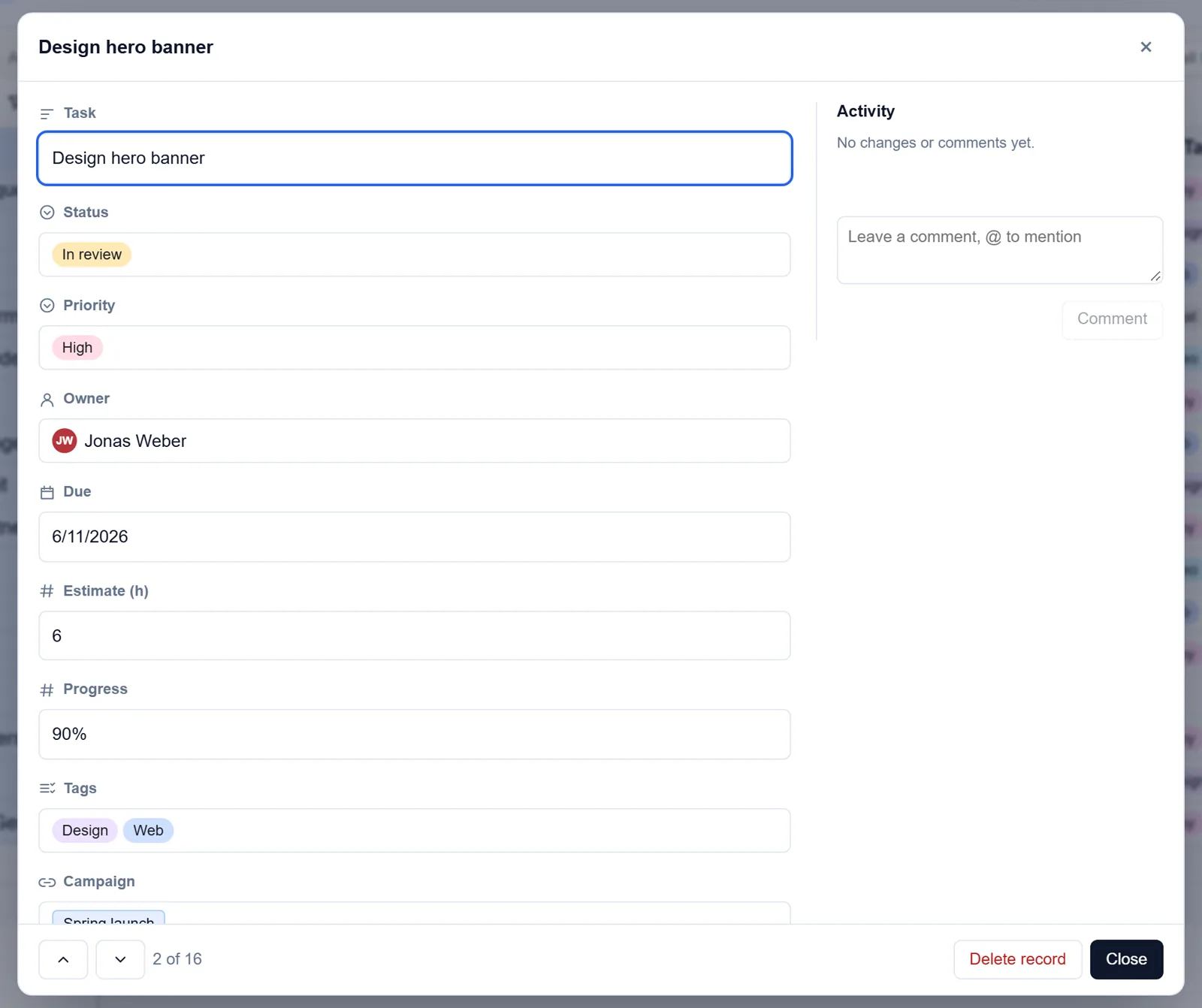
Comment on a record
- Open the record: expand it from the grid, or click its card on a board or in a gallery. On a phone, tap the record's number.
- In Activity on the right, type in the box that says Leave a comment, @ to mention.
- Press Comment.
Your own comments have Edit and Delete. A changed comment is marked (edited).
Mention someone
- Type @ in the comment box.
- Pick the person from the list of people to mention.
- Press Comment.
They get a notification in the bell, and on their phone or computer if they have turned notifications on there. A tap opens the base the comment is in.
See what changed
Activity shows the record's comments and changes together. Each change names who made it, the field, and the value before and after. A change made by an automation names the automation, and a change made through an AI app names the app.
For the whole base, owners have Activity in the base's Settings: the changes made across the base, with a filter by kind of event and an export. See Audit log.
Undo a change
- Press Ctrl+Z, or the undo arrow at the top right of the table, to take back your last change.
- Press Ctrl+Shift+Z, or the redo arrow, to do it again.
Undo works on edited cells, added records and deleted records: deleted records wait in the trash, and undo brings them back. Undo checks each record first. If someone else has deleted or changed it since, it says so instead of overwriting their work.
Good to know
- Commenting needs the right to change records in the table. Read-only members read comments but cannot add them. An interface page can allow comments for the people it is shared with.
- Only its author can edit a comment. Its author or an owner of the base can delete it.
- Only members of the base can be mentioned, and only those who may see the record are notified. Editing a comment notifies only the people it newly mentions. You are never notified of your own comments.
- A comment can be up to 10,000 characters, and a record keeps up to 1,000 comments.
- A record's history shows its last 200 changes. Adding, editing and deleting comments are kept in the audit log too.
- Comments come across when you bring a base from Airtable.